> ## Documentation Index
> Fetch the complete documentation index at: https://docs.ahaslides.com/llms.txt
> Use this file to discover all available pages before exploring further.
# 共享您的 AhaSlides 账户
> 每个 AhaSlides 账户均为个人专用——与其他用户共享账户违反使用条款,并可能导致意外错误或数据丢失。
每个 AhaSlides 账户均为个人专用,这意味着您不应与其他用户共享您的账户。
我们不支持共享账户,因为这违反了我们的[使用条款](https://ahaslides.com/terms/),并且可能出现意外错误。共享账户还可能导致回答数据被覆盖或永久丢失。
出于安全考虑,演示者需要使用个人账户——如果另一位演示者登录后修改了问题,之前使用同一演示文稿进行的会话结果可能会被意外清除。
## 无需共享账户即可协作
请改用团队工作区和协作编辑功能与他人合作。在演示文稿编辑器中,打开 **分享** (Share) 菜单并选择 **添加协作者** (Add collaborators),即可邀请他人成为编辑者或演示者——每个人都保留自己的个人账户,您仍然是所有者。
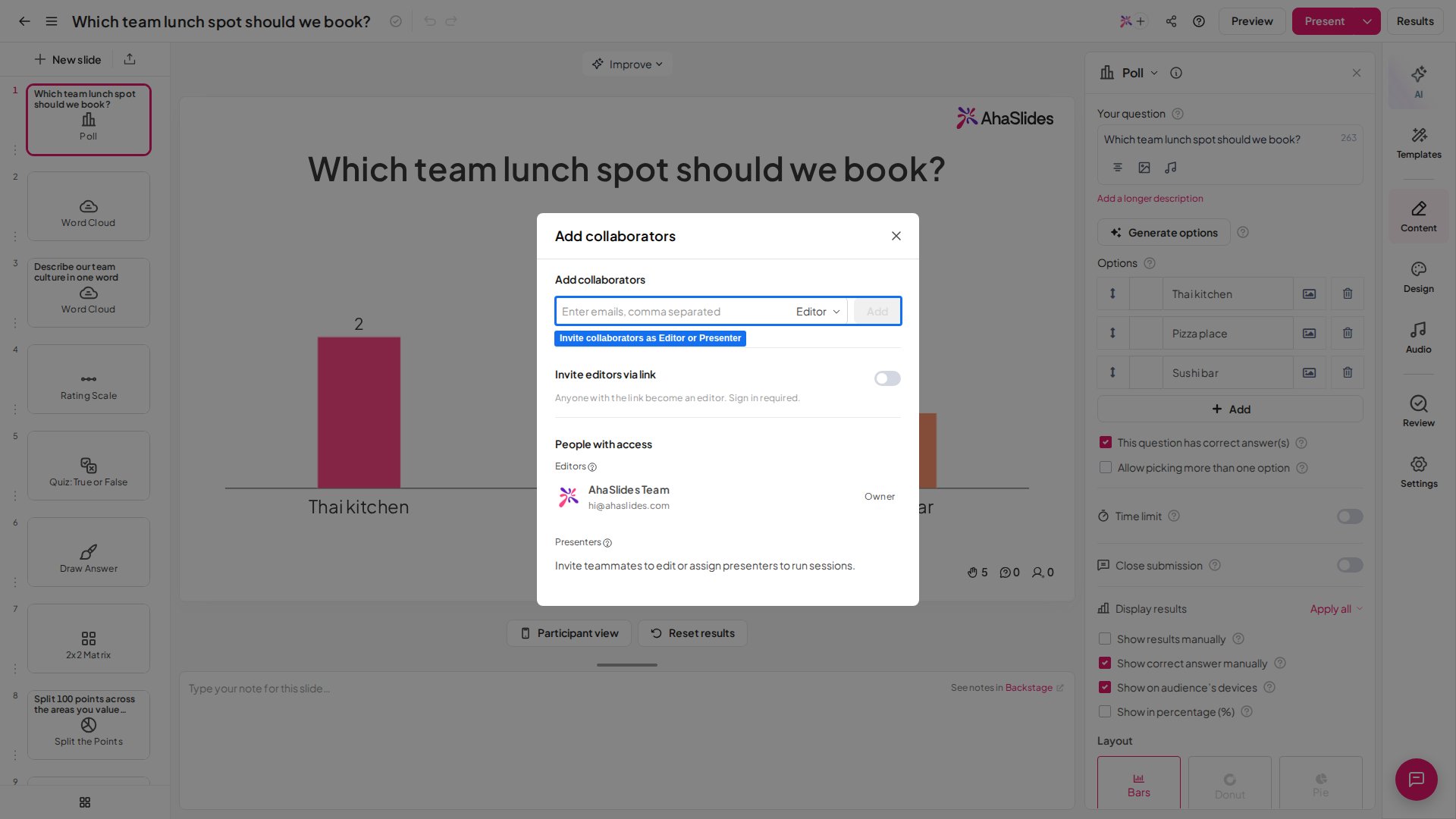 想与其他演示者协作吗?请查看[如何协作处理演示文稿](/cn/features-and-functions/how-to-collaborate-on-presentations-and-folders)。
[在此注册](https://presenter.ahaslides.com/pages/register)——免费!
**有疑问?**
请联系我们的支持团队:如果您已登录,请使用控制面板右下角的聊天图标;如果尚未登录,请[在此联系我们](https://ahaslides.com/contact-us/),或发送邮件至 [hi@ahaslides.com](mailto:hi@ahaslides.com)。
想与其他用户交流?欢迎加入 [AhaSlides 社区](https://community.ahaslides.com/),分享使用技巧、提出功能建议,了解其他人如何与观众互动。
This documentation is built and hosted on [Mintlify](https://mintlify.com), a developer documentation platform.
想与其他演示者协作吗?请查看[如何协作处理演示文稿](/cn/features-and-functions/how-to-collaborate-on-presentations-and-folders)。
[在此注册](https://presenter.ahaslides.com/pages/register)——免费!
**有疑问?**
请联系我们的支持团队:如果您已登录,请使用控制面板右下角的聊天图标;如果尚未登录,请[在此联系我们](https://ahaslides.com/contact-us/),或发送邮件至 [hi@ahaslides.com](mailto:hi@ahaslides.com)。
想与其他用户交流?欢迎加入 [AhaSlides 社区](https://community.ahaslides.com/),分享使用技巧、提出功能建议,了解其他人如何与观众互动。
This documentation is built and hosted on [Mintlify](https://mintlify.com), a developer documentation platform.