> ## Documentation Index
> Fetch the complete documentation index at: https://docs.ahaslides.com/llms.txt
> Use this file to discover all available pages before exploring further.
# AhaSlides 連携
> AhaSlides が連携するツール(ビデオ会議、スライドソフト、LMS、AI アシスタント)を一覧で確認し、セットアップガイドへ移動できます。
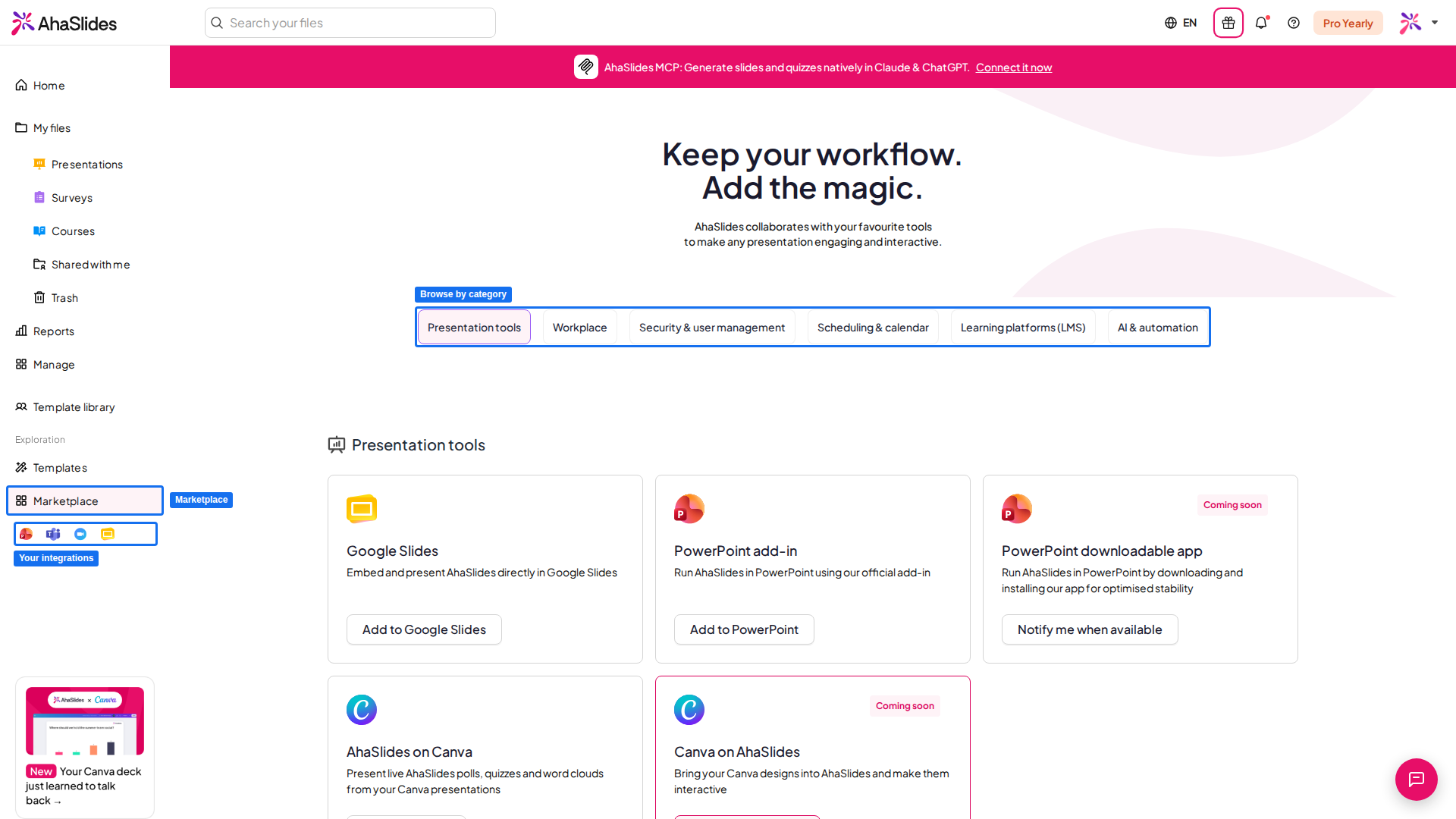
AhaSlides は、チームがすでに使っているツールの中で動作するように作られているため、投票やクイズに参加してもらうために別のアプリへ誘導する必要はありません。ビデオ会議プラットフォームに AhaSlides アプリを追加したり、PowerPoint や Google Slides にライブスライドを埋め込んだり、クイズのスコアを LMS の成績表に連携したり、AI アシスタントにプレゼンテーションを作成してもらったりできます。以下から連携を選んで始めましょう。
 ## AhaSlides の連携を選ぶ
Stage、Session、Expo Booth、Reception に AhaSlides を埋め込めます(旧 Hopin)。
Teams 会議の中でライブ投票、クイズ、ワードクラウドを実施できます。
Zoom ミーティングやウェビナーを離れずに、インタラクティブなプレゼンができます。
Webex の Share Multimedia パネルから投票リンクを共有できます。
ライブのインタラクティブスライドを PowerPoint のデッキに直接埋め込めます。
Google Slides の中でインタラクティブスライドを作成し、ライブで発表できます。
発表中に Canva のスライド上でライブ投票やクイズを実施できます。
コース内でプレゼンテーションを起動し、クイズのスコアを成績表に同期できます。
Claude などの AI アシスタントにプレゼンテーションの作成と管理を任せられます。
This documentation is built and hosted on [Mintlify](https://mintlify.com), a developer documentation platform.
## AhaSlides の連携を選ぶ
Stage、Session、Expo Booth、Reception に AhaSlides を埋め込めます(旧 Hopin)。
Teams 会議の中でライブ投票、クイズ、ワードクラウドを実施できます。
Zoom ミーティングやウェビナーを離れずに、インタラクティブなプレゼンができます。
Webex の Share Multimedia パネルから投票リンクを共有できます。
ライブのインタラクティブスライドを PowerPoint のデッキに直接埋め込めます。
Google Slides の中でインタラクティブスライドを作成し、ライブで発表できます。
発表中に Canva のスライド上でライブ投票やクイズを実施できます。
コース内でプレゼンテーションを起動し、クイズのスコアを成績表に同期できます。
Claude などの AI アシスタントにプレゼンテーションの作成と管理を任せられます。
This documentation is built and hosted on [Mintlify](https://mintlify.com), a developer documentation platform.