> ## Documentation Index
> Fetch the complete documentation index at: https://docs.ahaslides.com/llms.txt
> Use this file to discover all available pages before exploring further.
# Monthly プラン
> Monthly プランは毎月自動更新されます。AhaSlides を1か月だけ使いたい場合は、購入後に自動更新をオフにしてください。
Monthly プランは、**解約するまで毎月自動更新される** AhaSlides のプランです。更新日は、暦月の1日ではなく、購入した日と同じ日になります。
## Monthly プランを確認する
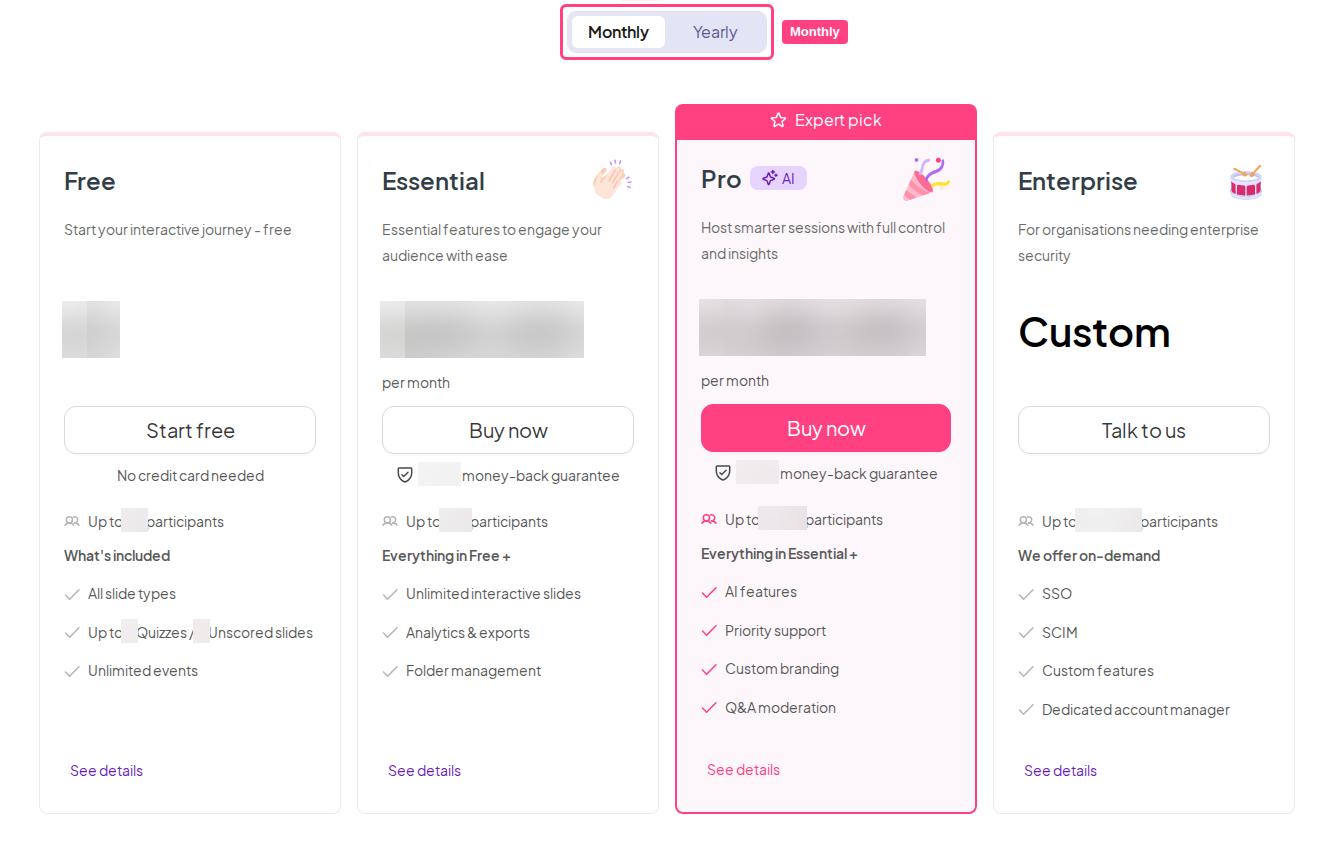
利用可能なすべての Monthly プランは、料金ページの **Monthly タブ** でご確認いただけます:[Pricing & Plans | Flexible & Great Value | AhaSlides](https://ahaslides.com/pricing/)。
 ## Monthly プランの自動更新をオフにする
Monthly プランを1か月だけ利用したい場合は、プランを購入したあとで **更新日より前に** **自動更新をオフ** (プランを解約)にすると、2か月目の請求を避けられます。手順は次のガイドをご覧ください:[AhaSlides サブスクリプションの解約](/jp/after-purchase/cancelling-your-ahaslides-subscription)。
代わりに年間プランに切り替えると、最大67%節約できます。
自動更新をオフにするための手順を順番に説明します。
**ご質問はありますか?**
サポートチームまでお問い合わせください。ログイン済みの場合はダッシュボード右下のチャットアイコンから、ログインしていない場合は[こちらからお問い合わせ](https://ahaslides.com/contact-us/)いただくか、[hi@ahaslides.com](mailto:hi@ahaslides.com) までメールをお送りください。
他のユーザーと交流したい方は、[AhaSlides コミュニティ](https://community.ahaslides.com/)に参加して、コツを共有したり、機能をリクエストしたり、他の人がどのように聴衆を巻き込んでいるかを確認しましょう。
This documentation is built and hosted on [Mintlify](https://mintlify.com), a developer documentation platform.
## Monthly プランの自動更新をオフにする
Monthly プランを1か月だけ利用したい場合は、プランを購入したあとで **更新日より前に** **自動更新をオフ** (プランを解約)にすると、2か月目の請求を避けられます。手順は次のガイドをご覧ください:[AhaSlides サブスクリプションの解約](/jp/after-purchase/cancelling-your-ahaslides-subscription)。
代わりに年間プランに切り替えると、最大67%節約できます。
自動更新をオフにするための手順を順番に説明します。
**ご質問はありますか?**
サポートチームまでお問い合わせください。ログイン済みの場合はダッシュボード右下のチャットアイコンから、ログインしていない場合は[こちらからお問い合わせ](https://ahaslides.com/contact-us/)いただくか、[hi@ahaslides.com](mailto:hi@ahaslides.com) までメールをお送りください。
他のユーザーと交流したい方は、[AhaSlides コミュニティ](https://community.ahaslides.com/)に参加して、コツを共有したり、機能をリクエストしたり、他の人がどのように聴衆を巻き込んでいるかを確認しましょう。
This documentation is built and hosted on [Mintlify](https://mintlify.com), a developer documentation platform.