Documentation IndexFetch the complete documentation index at: /llms.txtUse this file to discover all available pages before exploring further.
Fetch the complete documentation index at: /llms.txt
Use this file to discover all available pages before exploring further.
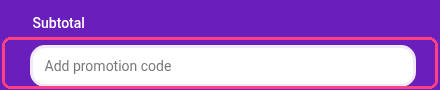
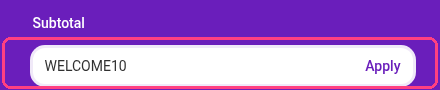
在 Checkout 页面的 Subtotal 部分下方找到“Add promotion code”,输入您的折扣码,然后点击 Apply。
选择您的计划
添加促销码
输入折扣码
此页面对您有帮助吗?