

The Export to PDF/JPG feature is only available to paid plan users.
How to export your slide images
Exporting slides to PDF or JPG needs a paid plan. On the Free plan, choosing PDF or JPEG opens an upgrade prompt instead of starting the download. There are three places you can export your slides from: 1. From the Share menu. Click the Share icon at the top right of the presentation editor, near Preview, or right-click the presentation on the My Presentations page and choose Share. In the Share menu, open Download, then choose PDF document (.pdf) or JPEG image (.jpg).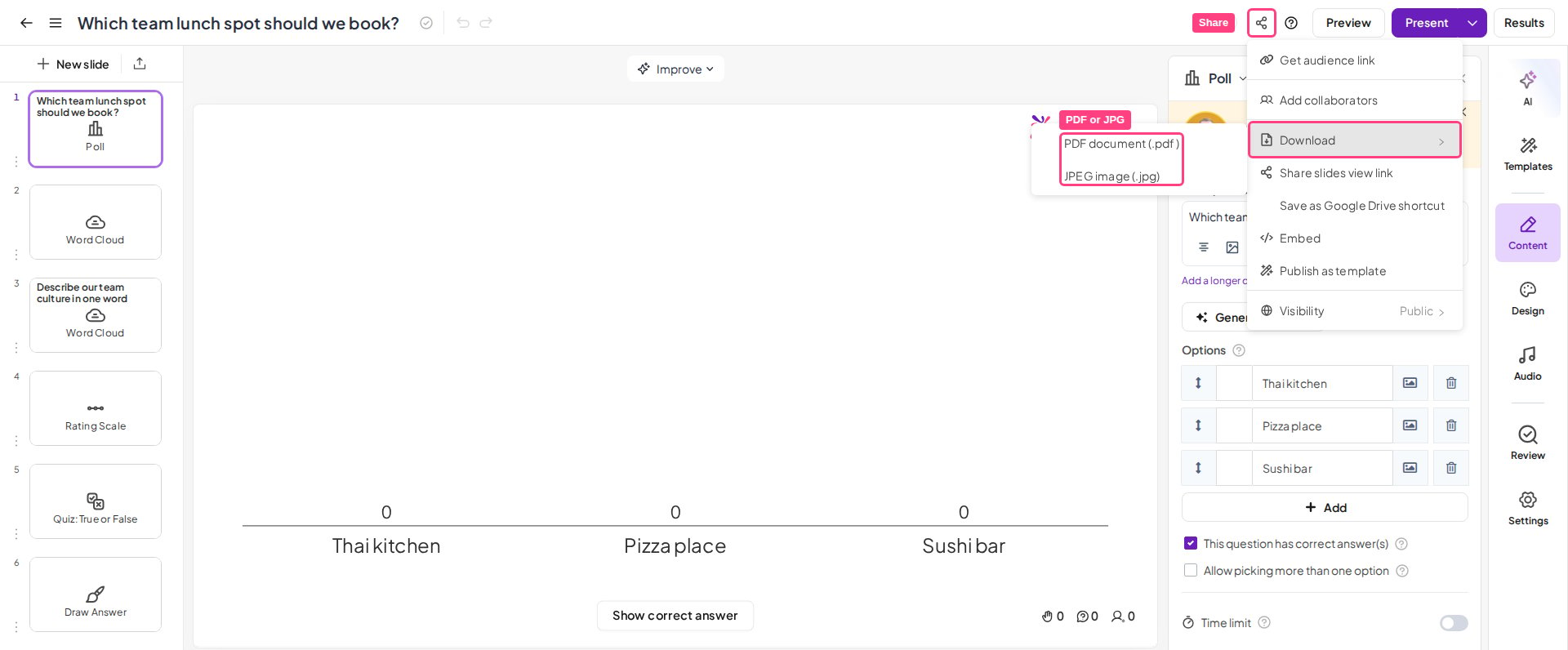
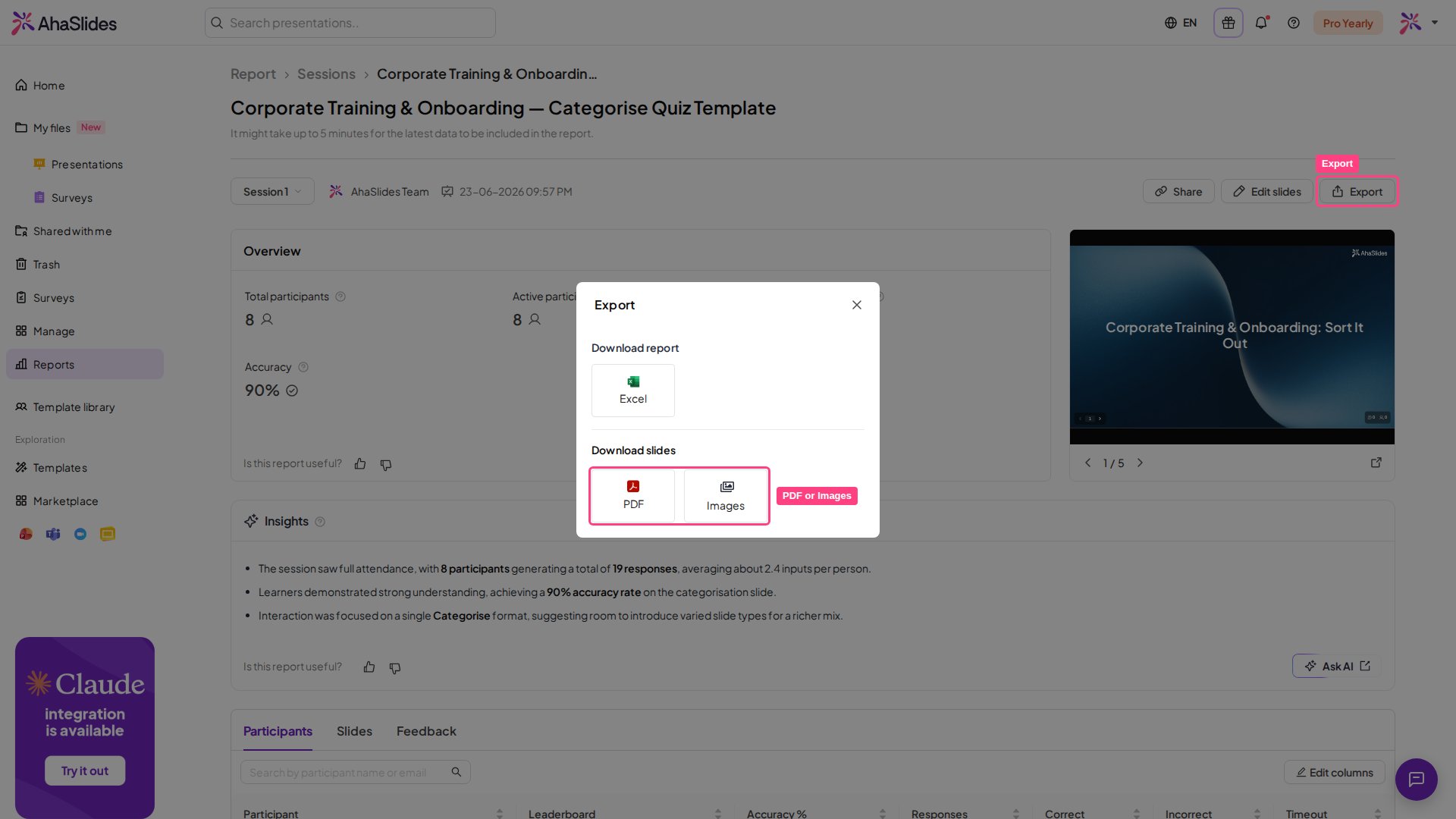
- Previous version — your last generated version.
- Download latest version — a freshly generated version.
Can I export to PowerPoint?
AhaSlides does not currently offer a direct export to PowerPoint (PPT or PPTX). The slide export produces a PDF or a ZIP of JPG images only, as described above. If you need your slides elsewhere, you have two options:- A visual copy of your slides — export to PDF or Images above, then insert those files into your PowerPoint deck. They’re pictures of your slides, so their text can’t be edited in PowerPoint.
- Your response data — export the results as a spreadsheet instead. See Export data to Excel.