New to this slide type? Learn how to use the Open Ended slide first.
How to allow image submissions
After creating your Open Ended slide, tick the box Allow audience to submit images to let participants share images with you.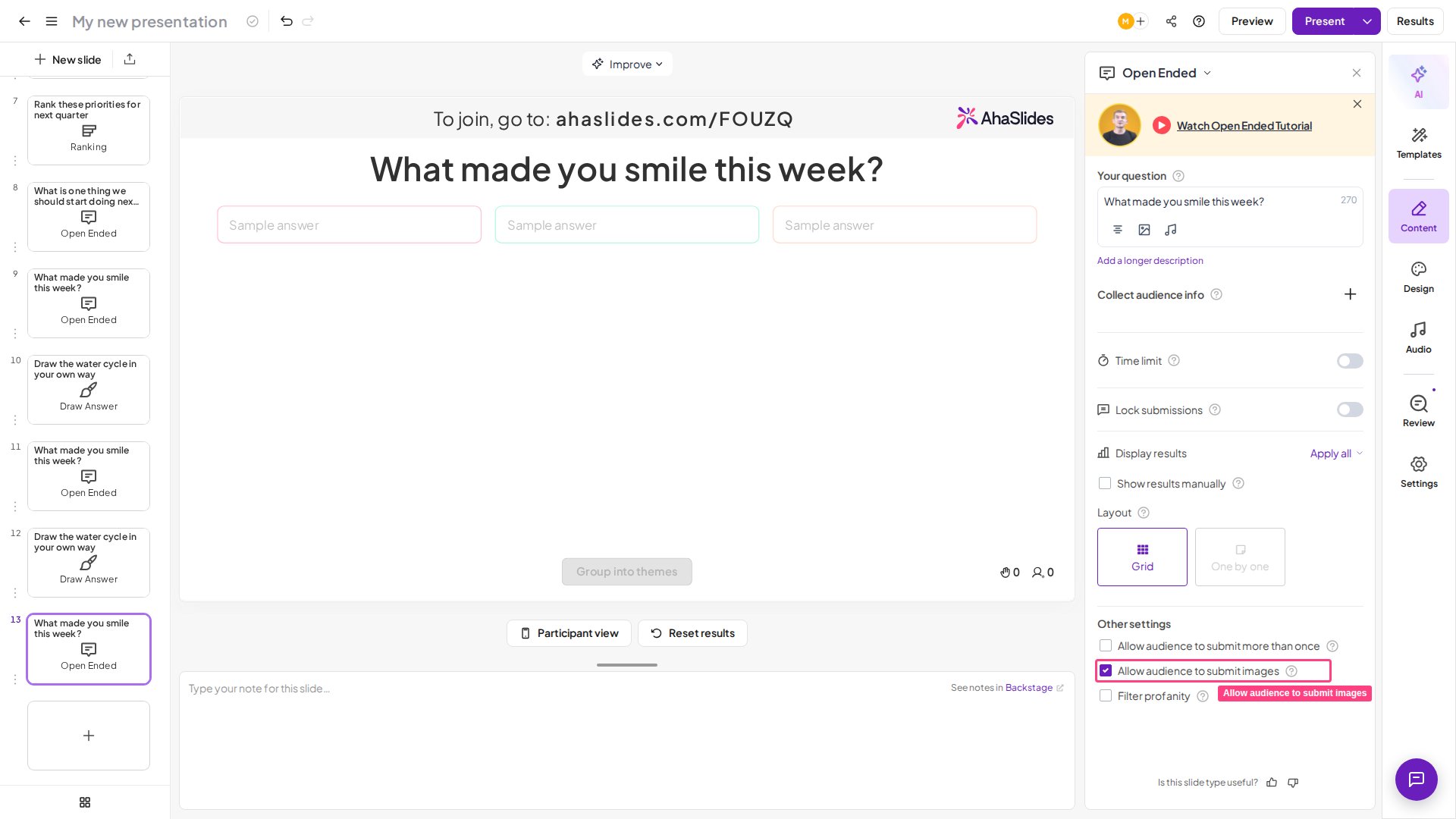
What participants see
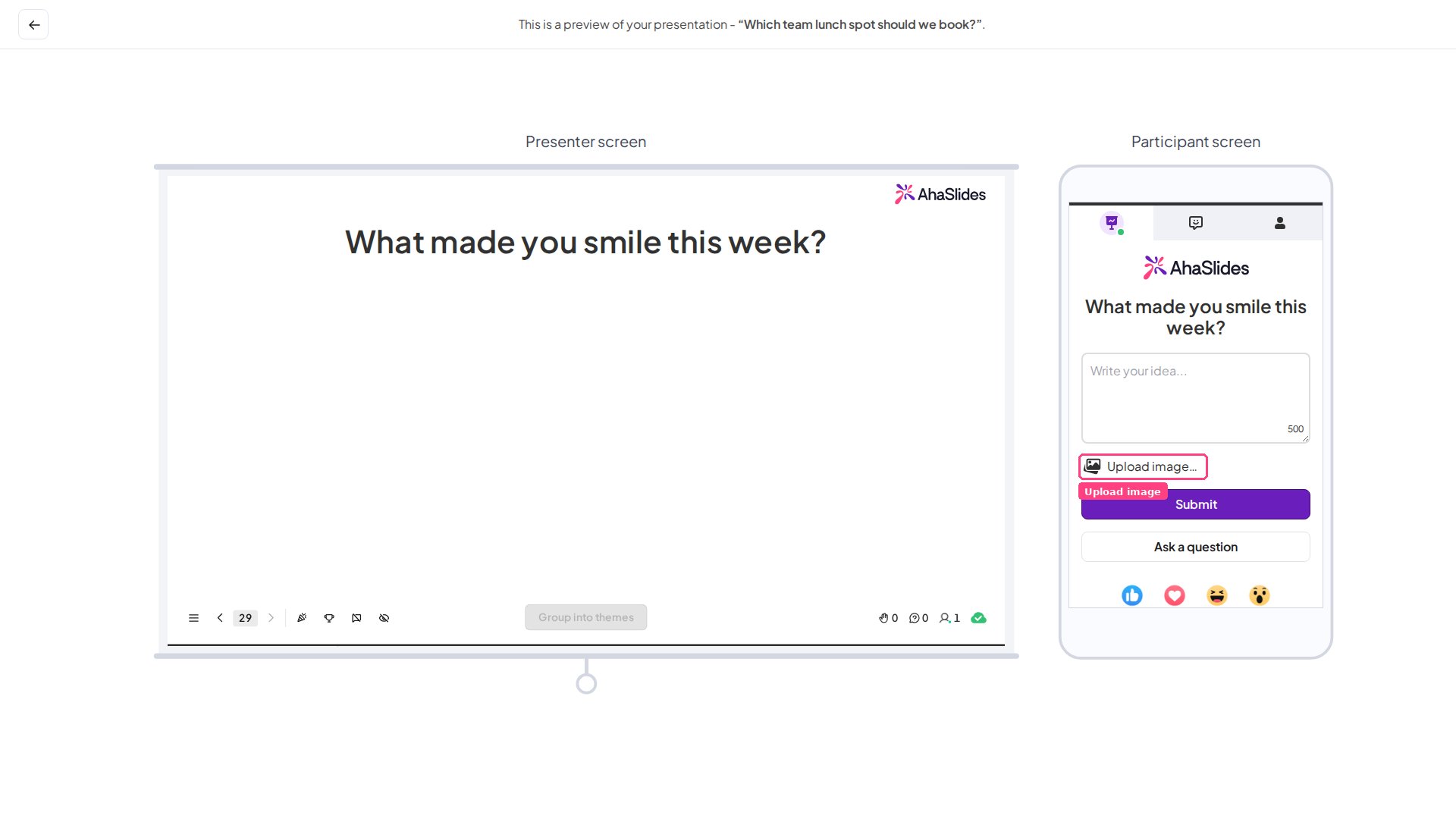
On the participant’s screen there’s an Upload image… button. Clicking it lets participants reply to your question with an image from their phone library, or by taking a new photo with their phone camera.