What are ‘results’?
The ‘results’ of a presentation refer to anything submitted to your presentation by your audience. This includes…- Votes on a poll
- Submissions to a word cloud
- Answers to quiz questions
- Results on a leaderboard
- All emoji reactions
- Messages in the quiz-lobby Live Chat
What is ‘resetting results’?
Resetting the results of a presentation means you will wipe that presentation clear of anything submitted by your participants. This will return your presentation to its state before your participants joined and interacted with it. Participants who are still connected stay on the presentation page, but their saved name and answers are cleared, so they may be asked for their name again. They don’t need to re-enter the access code.How to reset all results
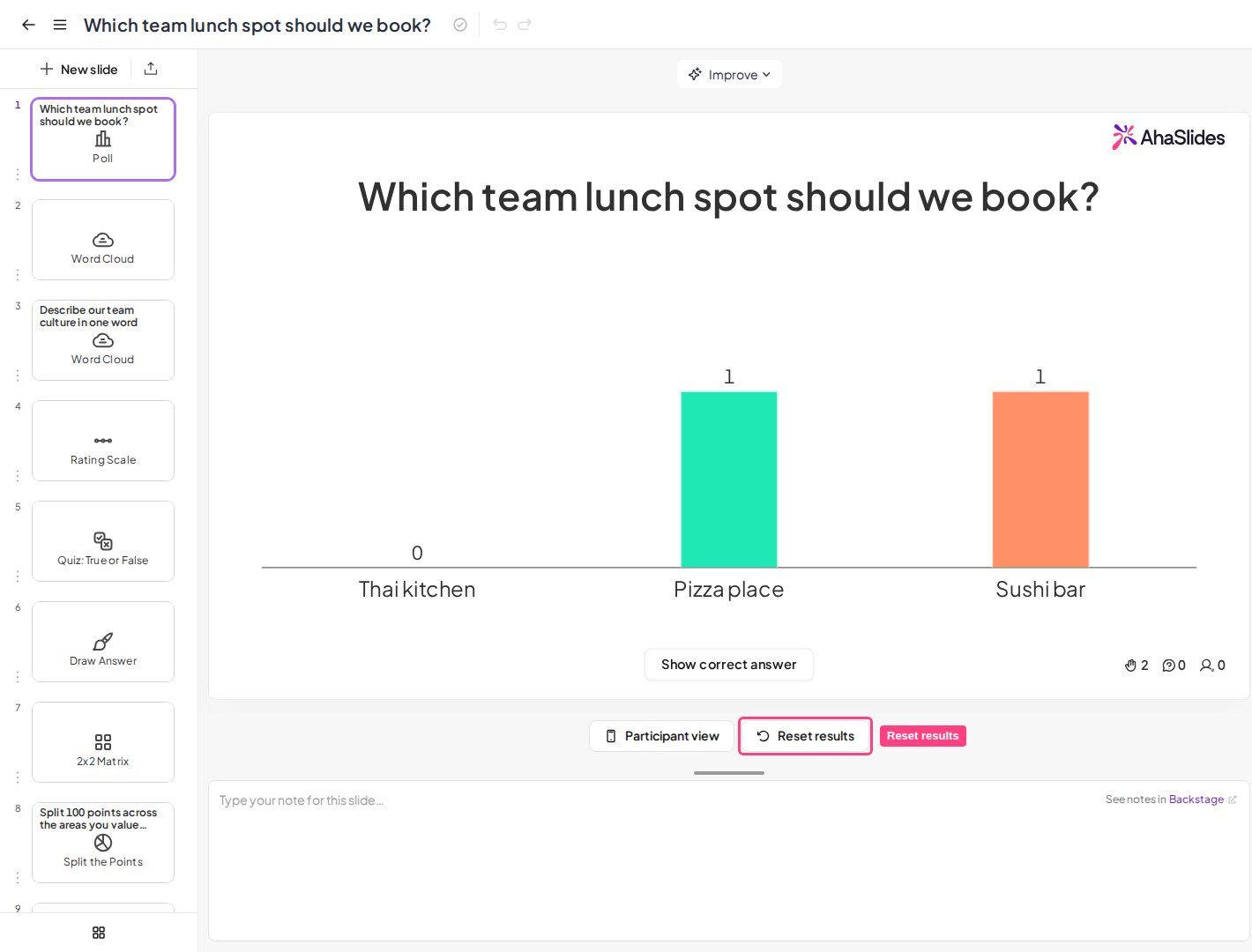
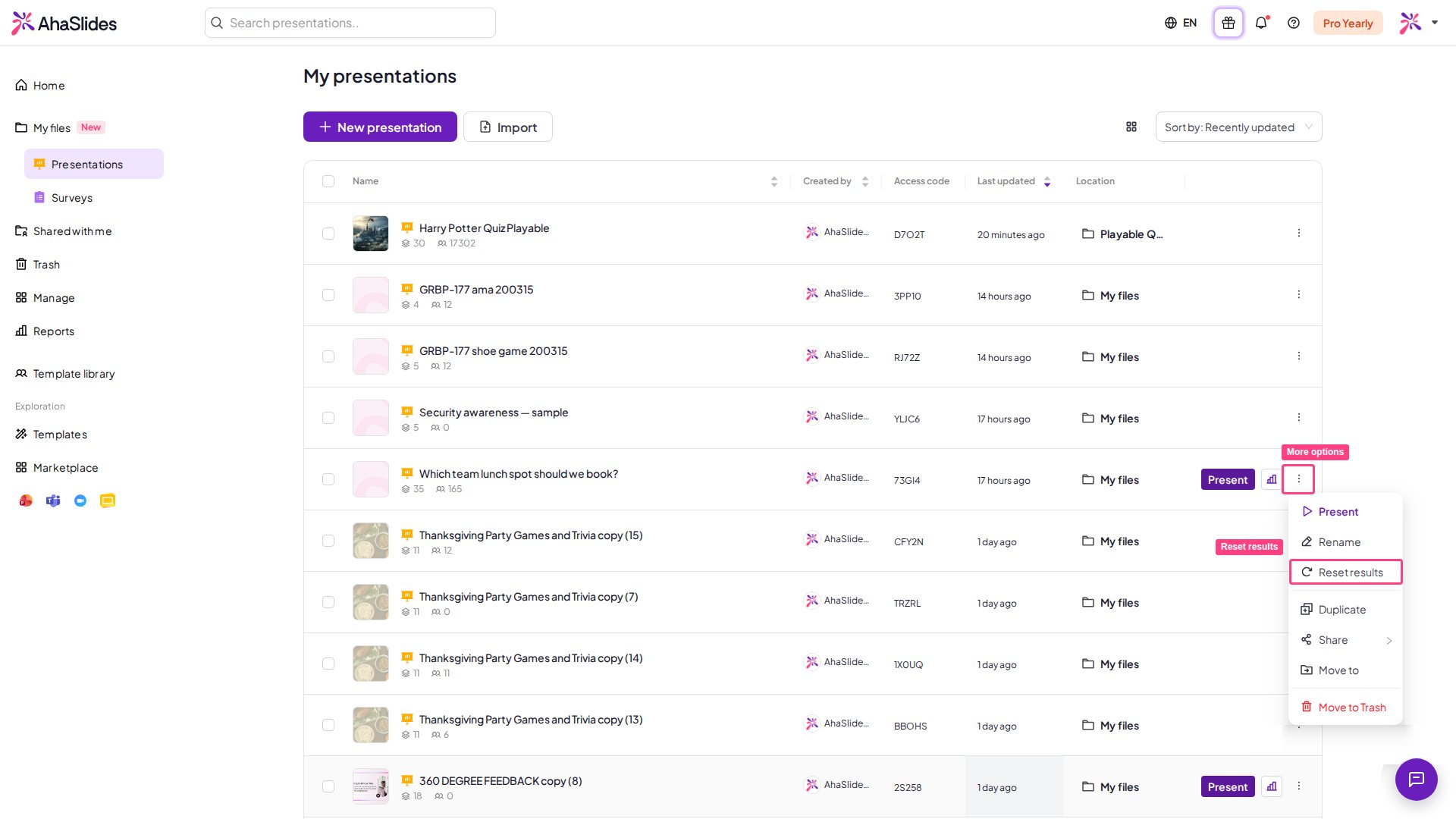
To clear results (erase every participant response) from your entire presentation, there are 3 ways to reset all the results.- From the presentation canvas:
- From the dashboard:
- From the Settings window:
How to reset results from a single slide
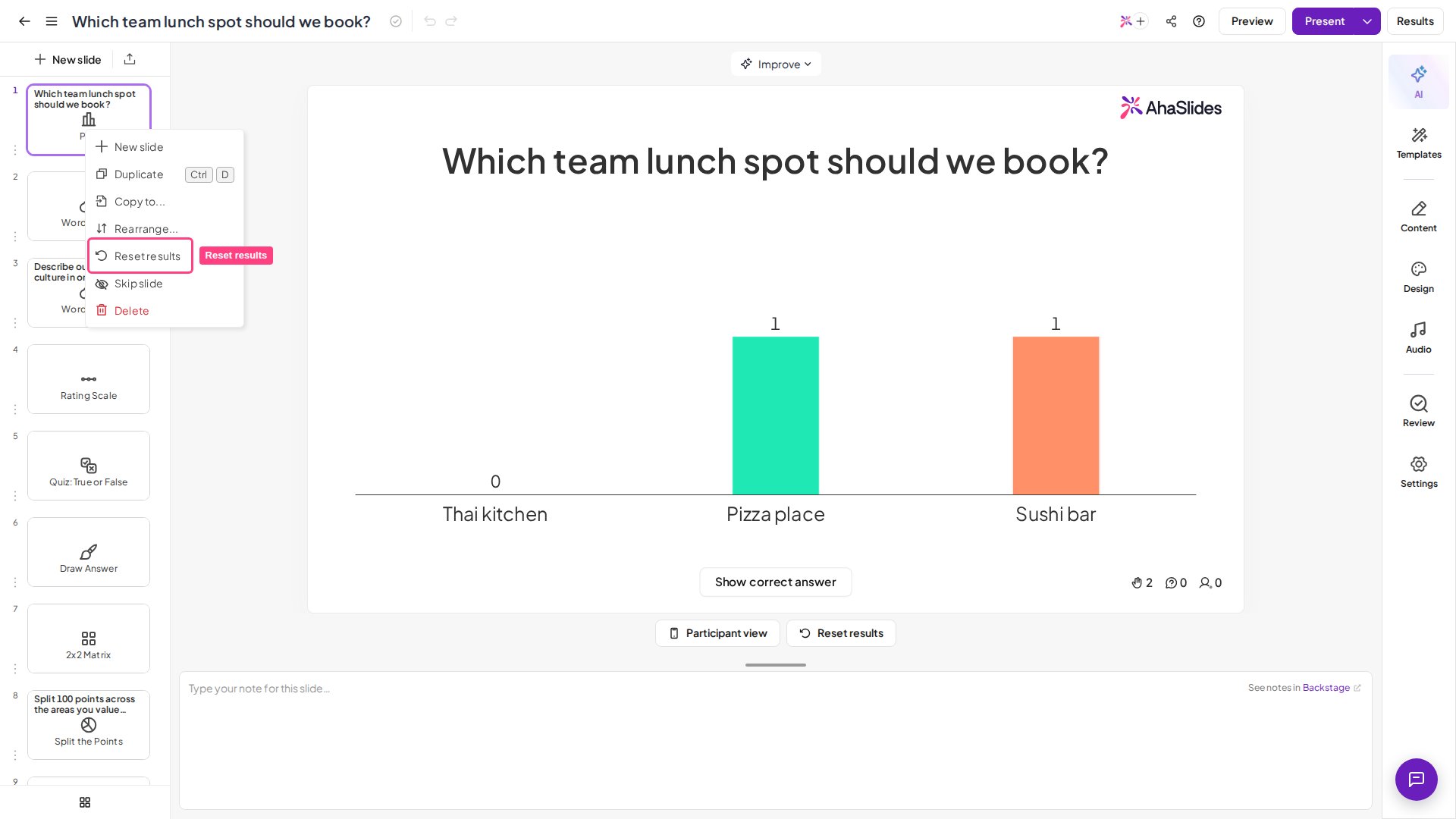
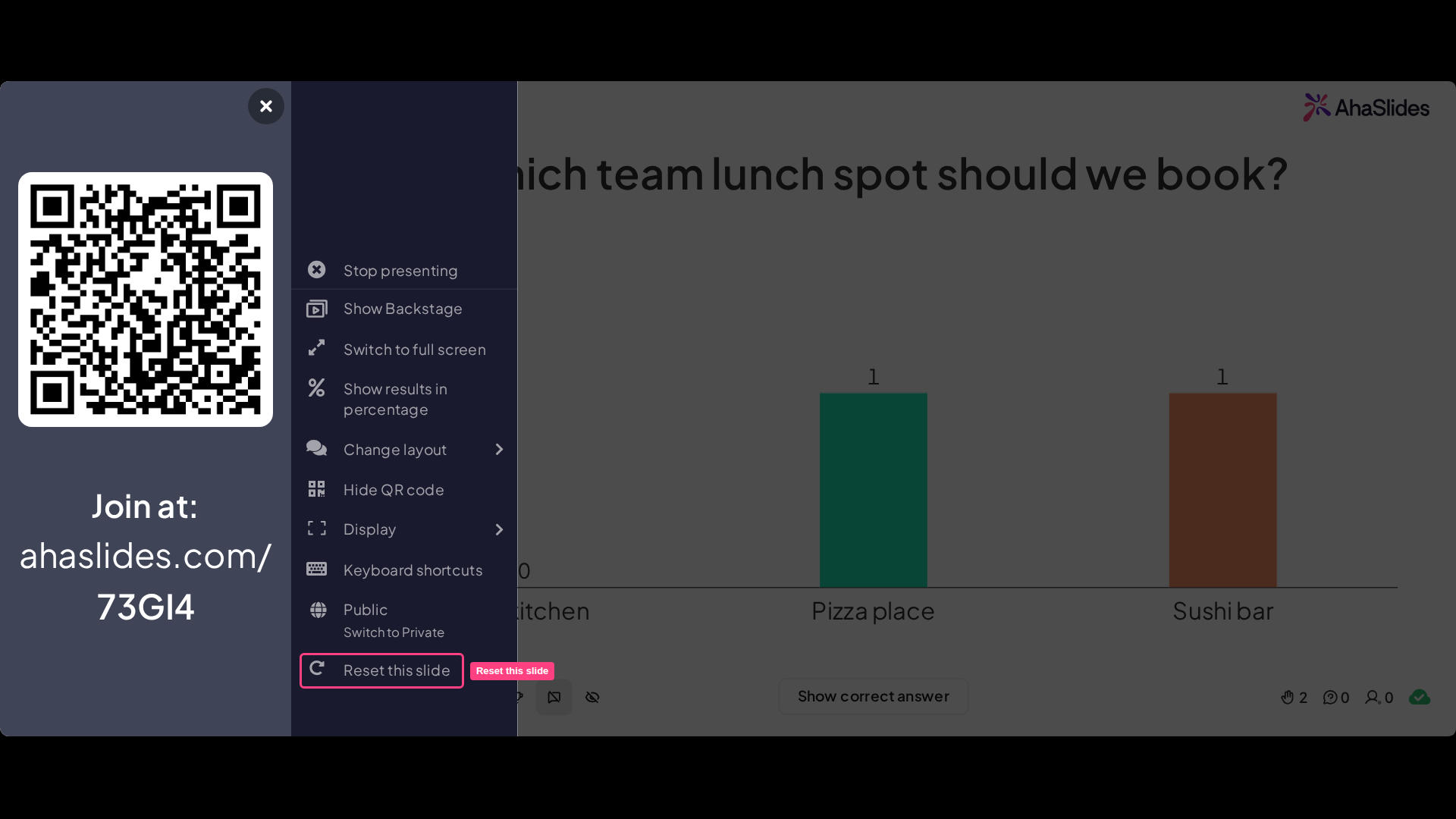
Rather than resetting results from your whole presentation, you can choose to reset (clear) the results of just one slide. This is useful if there has been an error on your slide and you want to present it again. To do this, there are 2 ways: 1. While editing: Navigate to your slide in the left column of the editor, right-click on the slide, then click ‘Reset results’.