

Supported image formats
AhaSlides supports JPEG, PNG, GIF and SVG images. After upload, images are automatically optimised and converted to .webm format to improve performance and playback speed.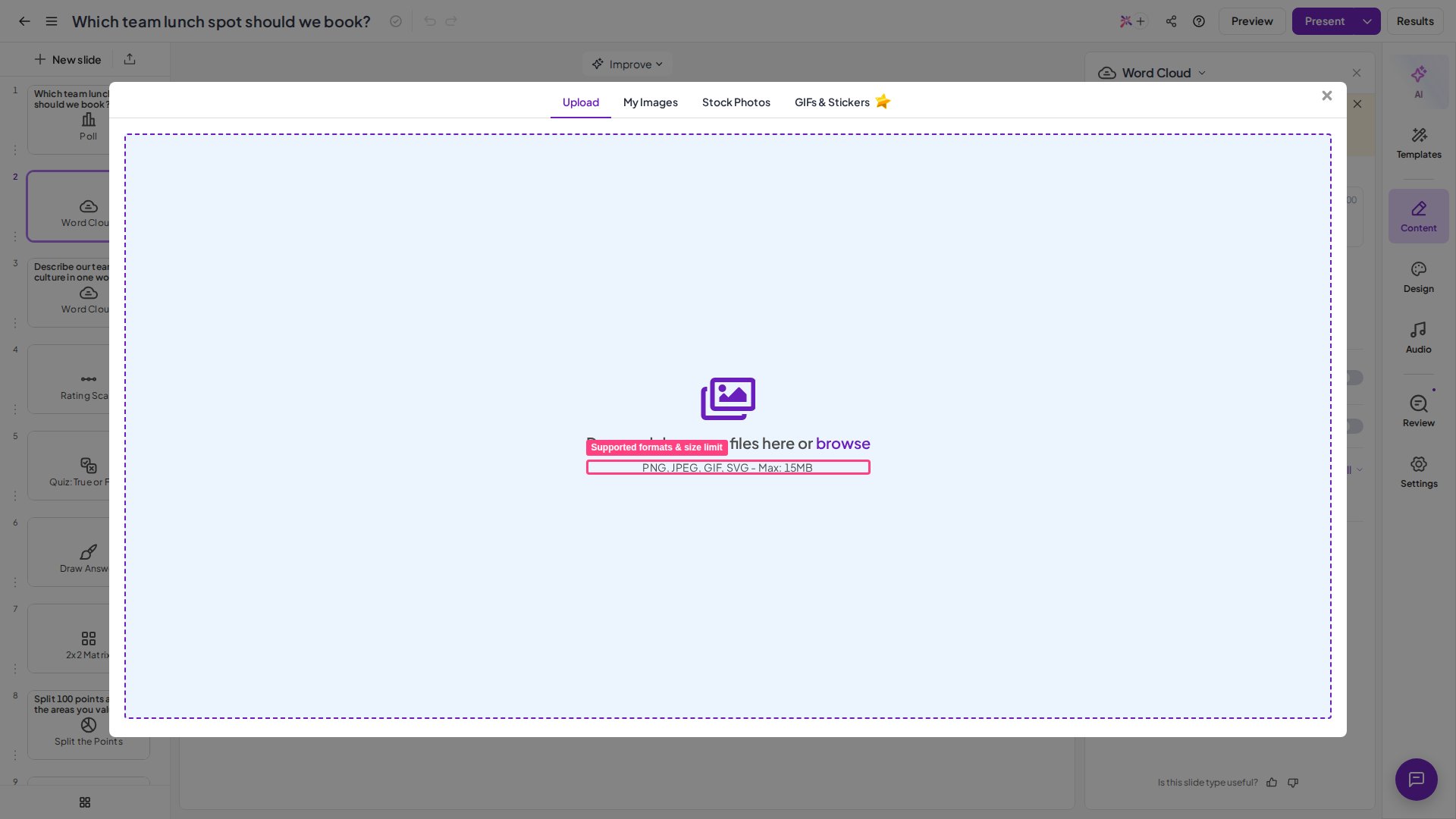
Maximum image file size
The maximum upload file size is 15 MB.Image dimensions and aspect ratio
Images look best when their aspect ratio closely matches your presentation screen ratio. The standard screen ratios are:- 16:9, the most common
- 4:3
Image resolution recommendations
For full-screen background images, use 2K resolution (2560 x 1440). This keeps the display sharp while maintaining smooth performance, even on large screens or projectors. The maximum supported resolution after processing is 2560 x 1440 (2K).Original-quality background rendering is not supported.
Image compression and quality
All uploaded images are automatically optimised to keep presentations running smoothly. There is no option to disable compression or preserve original quality after upload.How images render in presentations
During playback, presentations are rendered locally on the presenter’s device rather than streamed from AhaSlides servers. This helps keep performance stable and responsive during live sessions.Frequently asked questions
Which image formats does AhaSlides support?
Which image formats does AhaSlides support?
AhaSlides supports JPEG, PNG, GIF and SVG images. After upload, images are automatically optimised and converted to .webm format to improve performance.
What is the maximum image upload size on AhaSlides?
What is the maximum image upload size on AhaSlides?
The maximum upload file size is 15 MB.
What resolution should I use for a full-screen background image?
What resolution should I use for a full-screen background image?
Use 2K resolution (2560 x 1440), which is also the maximum supported resolution after processing. This keeps the display sharp while maintaining smooth performance on large screens and projectors.
What aspect ratio works best for AhaSlides images?
What aspect ratio works best for AhaSlides images?
Images look best when their aspect ratio closely matches your presentation screen ratio, most commonly 16:9 or 4:3. Other dimensions work, but matching your presentation ratio gives the best visual results.
Can I keep the original quality of my uploaded images?
Can I keep the original quality of my uploaded images?
No. All uploaded images are automatically compressed and optimised, and there is no option to disable compression or preserve original quality after upload.