

Ask AI works with your report data. It answers questions about the results of a presentation you have already hosted, not about slide design or account settings.
Where to find Ask AI
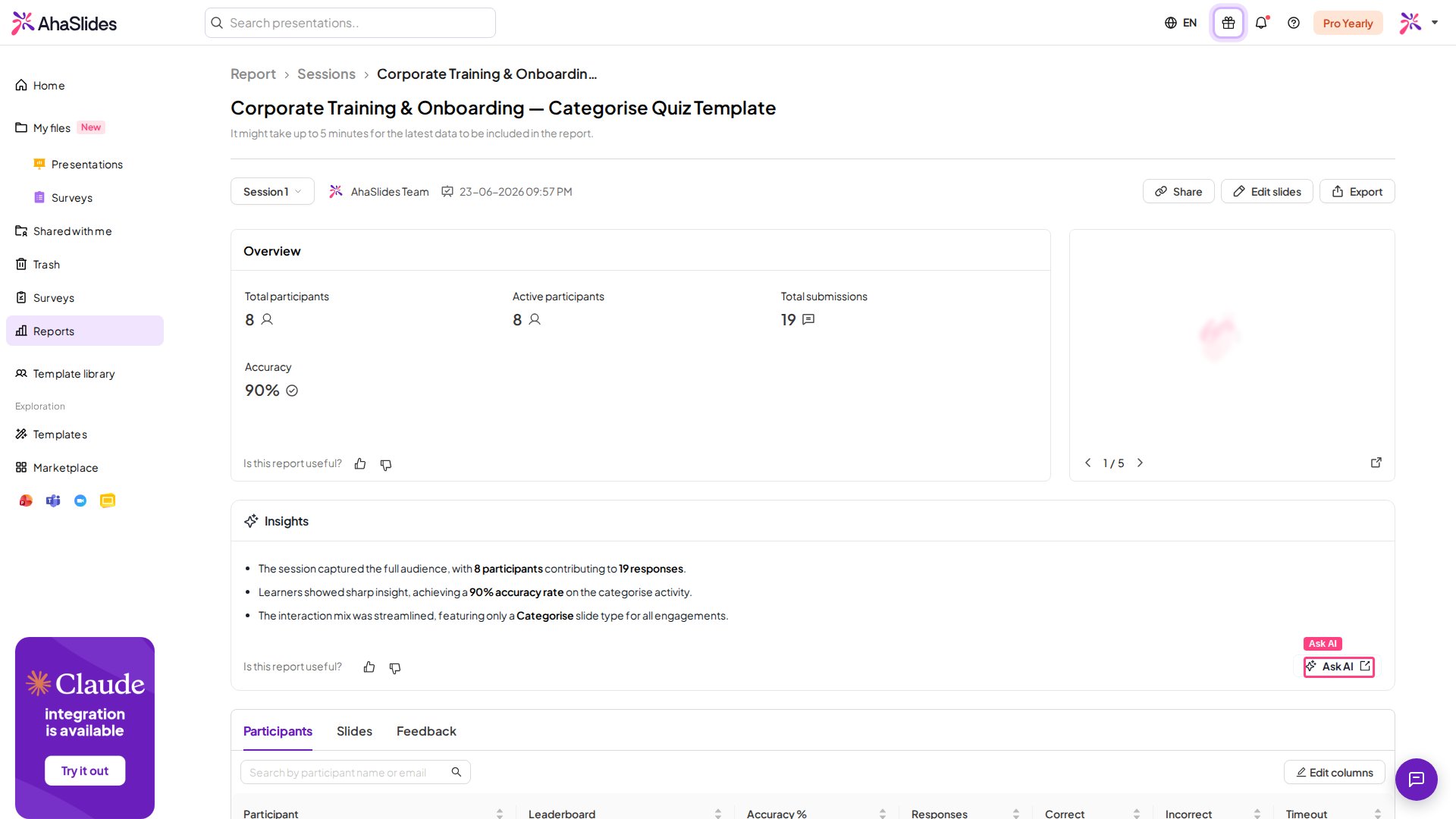
The Ask AI button appears on your presentation report in two places:- In the report header, next to the date filter, at the top of the report screen.
- In the footer of the Insights panel, below the automatically generated insights.
Use Ask AI
1
Open your presentation report
From My Presentations, open the presentation whose results you want, then open its report. See The Presentation Report for how to reach and read the report.
2
Click the Ask AI button
Click Ask AI on the report. The AI assistant opens in a new tab with your report data loaded.
3
Type your question
Type a plain-language question about your results, for example “Which participants scored highest on the quiz?” or “Summarise how the audience responded overall.” The AI reads your report data and answers by calculating from it.
Ask questions about data that is in the report. The AI works from your recorded results, so it can total, rank, and summarise them, but it cannot invent information the report doesn’t hold.
Example: Get the total time each participant took to finish a quiz
A quiz report shows a Response time for each question, but it does not show a single total time per participant for the whole quiz. Ask AI can add those per-question times up for you.- Open the report for your quiz presentation, then click Ask AI.
- Ask for the total completion time. Type a question such as: “For each participant, add up their response times across all quiz questions and show me the total time they took to complete the quiz.”
Other questions you can ask
- “Who were the top performers in this quiz?”
- “Give me a short summary of the results for this session.”
- “How many participants answered every question correctly?”
When Ask AI is unavailable
The Ask AI button is greyed out when AI report features are turned off for your account or by your team admin. Turn on On-demand AI in your Account settings to enable it. If AI is managed by your team, ask your team admin to enable it.The Insights panel and Ask AI both work from your report data. These insights don’t appear when you share the report through a public link.