

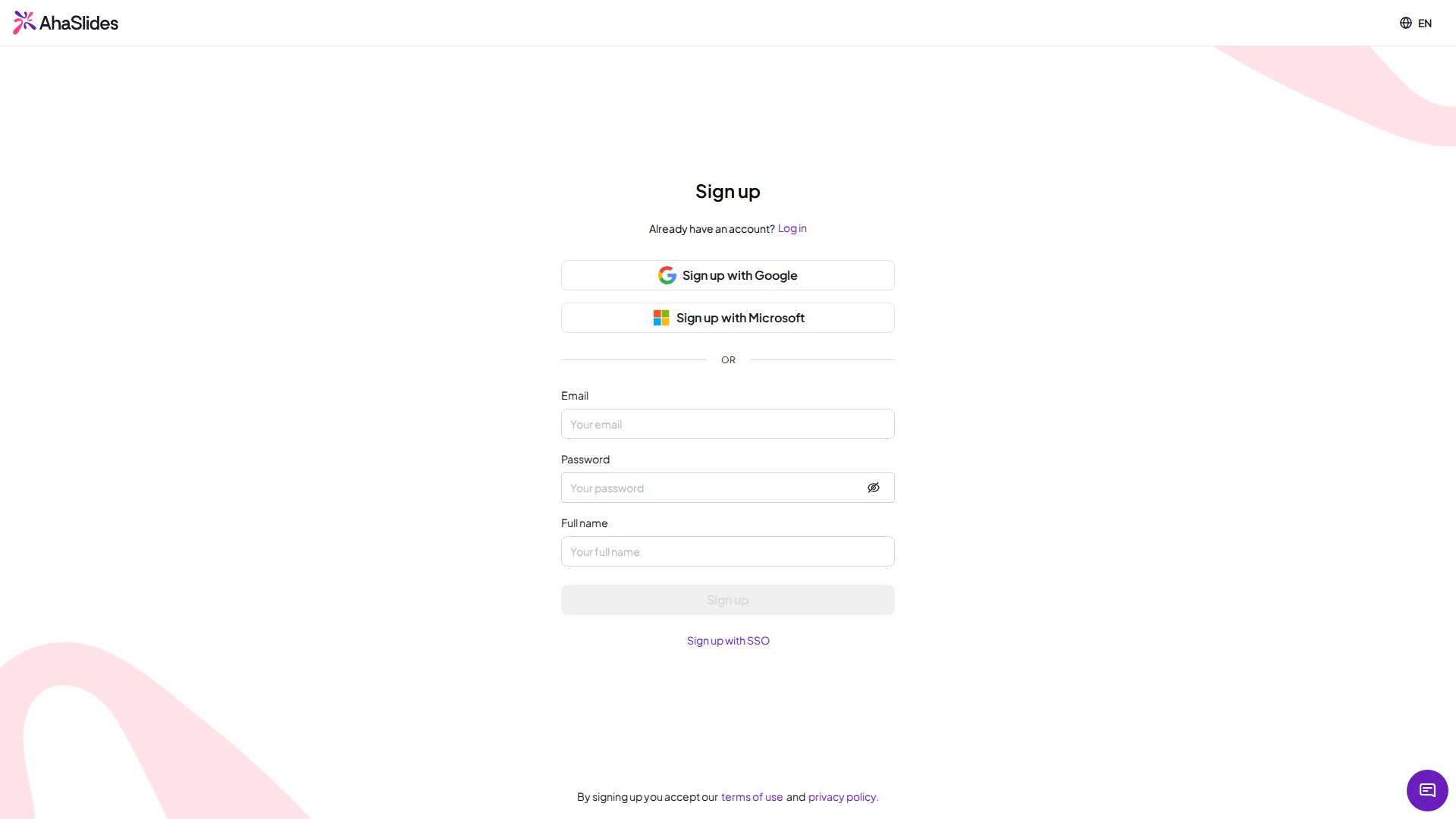
- Email & Password
- Microsoft
- Google
- SSO (Enterprise)
1
Go to the sign-up page
2
Enter your email and password
Enter your email and choose a password.
3
Enter your full name
Type your full name into the form.
4
Press Sign Up
Click Sign Up to create your account.
Verify your email address
If you signed up with an email and password, we send a verification link to that address as soon as your account is created. Open the email and click the link within 24 hours to confirm the address. Accounts created with Google, Microsoft or SSO are verified automatically, so there is nothing to do. You can keep using AhaSlides before you verify: nothing is locked in the meantime. Verifying confirms that account emails reach you, and it removes the warning that others see next to your name. Until you verify, a shield icon with a warning appears beside your email in My Profile, and beside your name in the collaborator and team member lists of anyone you work with.Resend the verification email
1
Open My Profile
Log in and open My Profile from your account menu.
2
Hover over the shield icon
Find the shield icon next to your email address and hover over it.
3
Click Verify now
Click Verify now to send a new verification link. If it still doesn’t arrive, hover over the icon again and click Resend.
4
Click the link in the email
Once you click the link, the shield icon changes to show that your email has been verified.
Fix a wrong email address
If you signed up with a typo or an address you can’t access, the verification email can’t reach you. Change your email address first, then use Verify now in My Profile to send a verification link to the new address.What happens after sign-up
Once your account is created, you can start building your first interactive presentation. Create one from scratch and manage it from your presentations dashboard, or start from a ready-made presentation in the Template Library:Presentations Dashboard
Learn how to create, organise, and manage all your presentations
Template Library
Get a head start with a ready-made interactive presentation