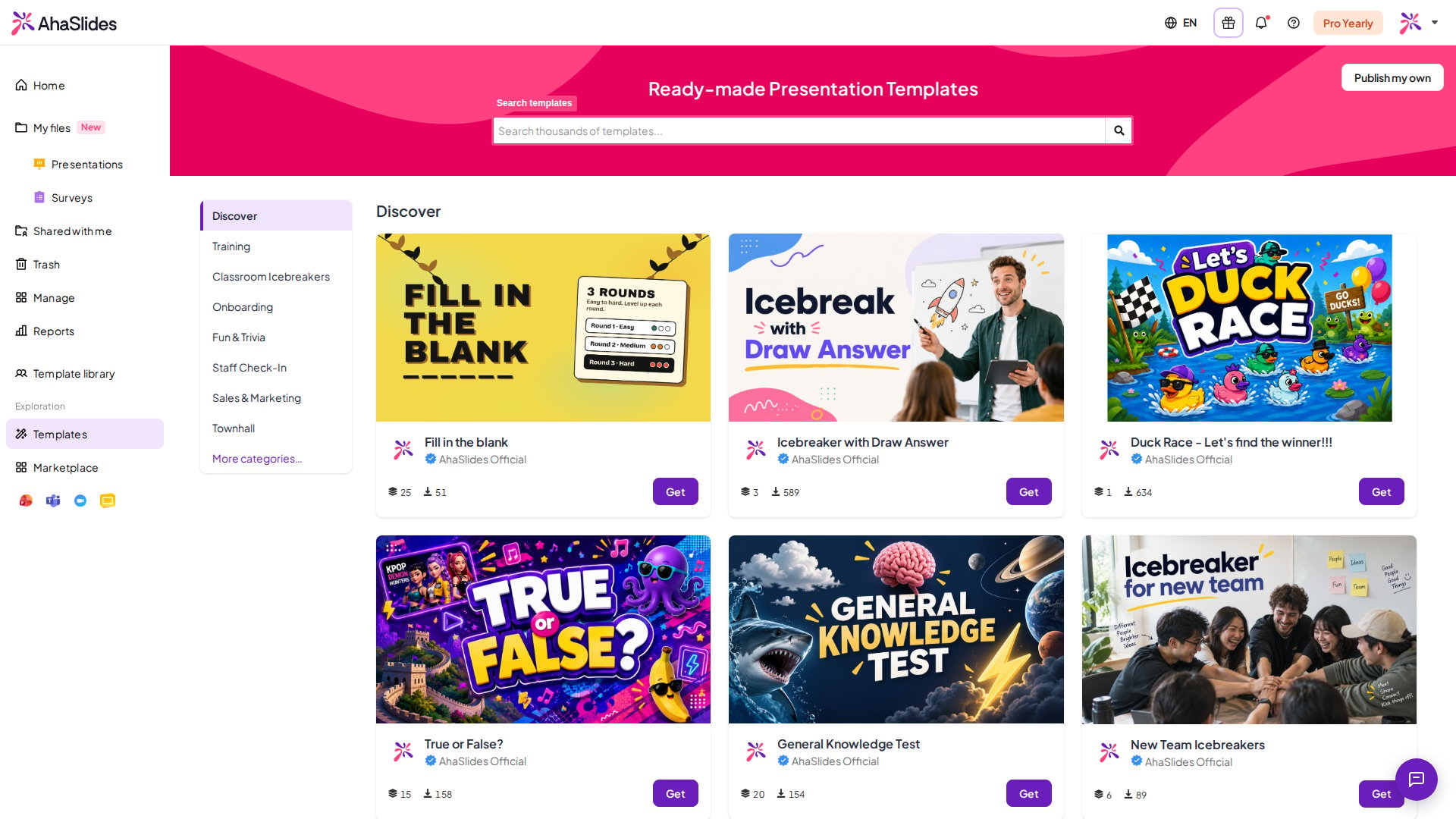
Accessing the Template Library
1
Log in to your AhaSlides account
Once logged in, navigate to the left-side panel.
2
Choose the Templates category
In the menu, find the Templates category and click on it to browse through a variety of pre-made templates.
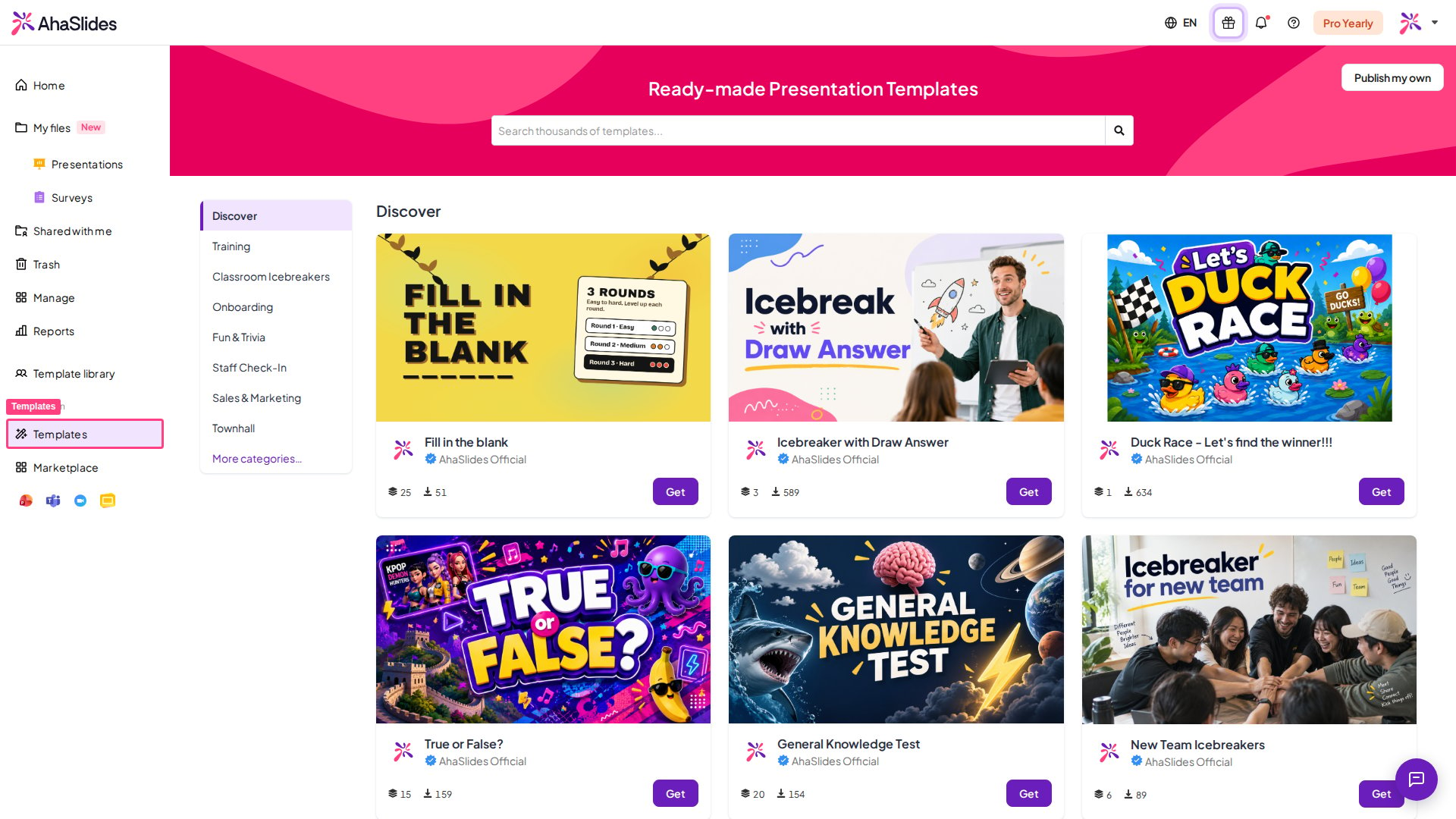
Downloading a Template
1
Browse the list of templates
Once in the Template Library, you’ll see a list of templates designed for various purposes.
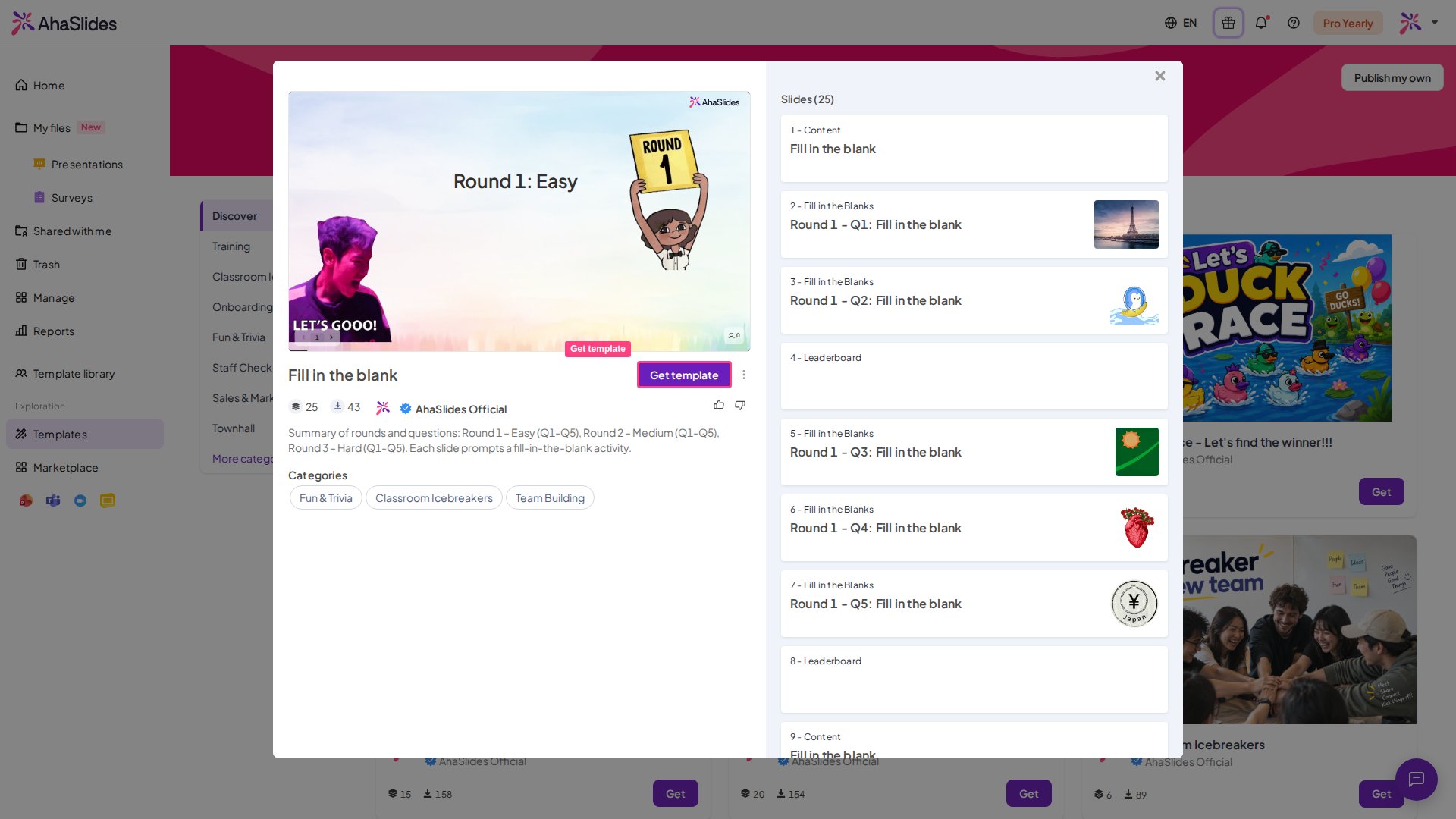
2
Preview the slides
Click on a template to see a summary of the slides it contains.
3
Download the template
Click the Get Template button to download the template. It will automatically be added to your list of presentations, and the editor will open with the template ready for you to start working on.
Any downloaded template will also include response data. Remember to reset the results before you use it. Find out how to reset results here.
Searching for Specific Templates
Use the search bar — if you’re looking for something specific, just type your keywords in the search bar to find the template that matches your needs.