

For a complete guide to creating and running quizzes on AhaSlides, see our article: How to Make and Run a Quiz.
Generate questions with AI
1
Create a Presentation
Start by creating a presentation and giving it a name.
2
Add a Quiz slide
Create any quiz slide within your presentation.
3
Select a Generated Question
Under ‘Your Question,’ AI-generated questions will appear based on your presentation name. Simply choose the question you’d like to ask your audience.
Currently, AI question generation is available on all quiz slides.
Generate answer options with AI
1
Create a Quiz or Poll slide
Start by creating any quiz or Poll slide within your presentation.
2
Type Your Question
In the ‘Content’ tab, type the question you’d like to ask your audience.
3
Generate Answer Options
Click the Generate options button. This will activate the AI to produce suitable answer choices for your question.
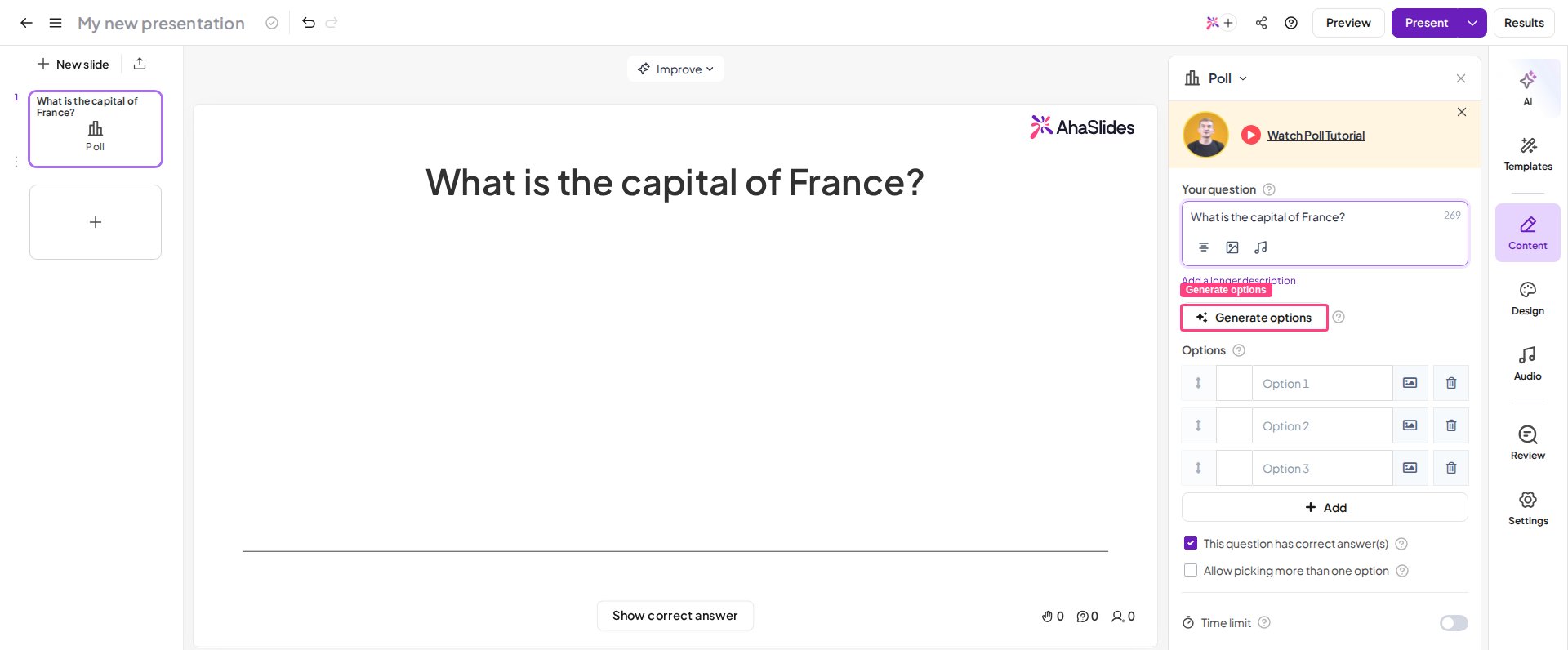
AI answer generation is available on all quiz and poll slides.