

There are 2 ways to do this
1. In the lobby
While waiting to start a quiz, player names gradually appear in the lobby. The presenter can censor any inappropriate name simply by clicking on the name.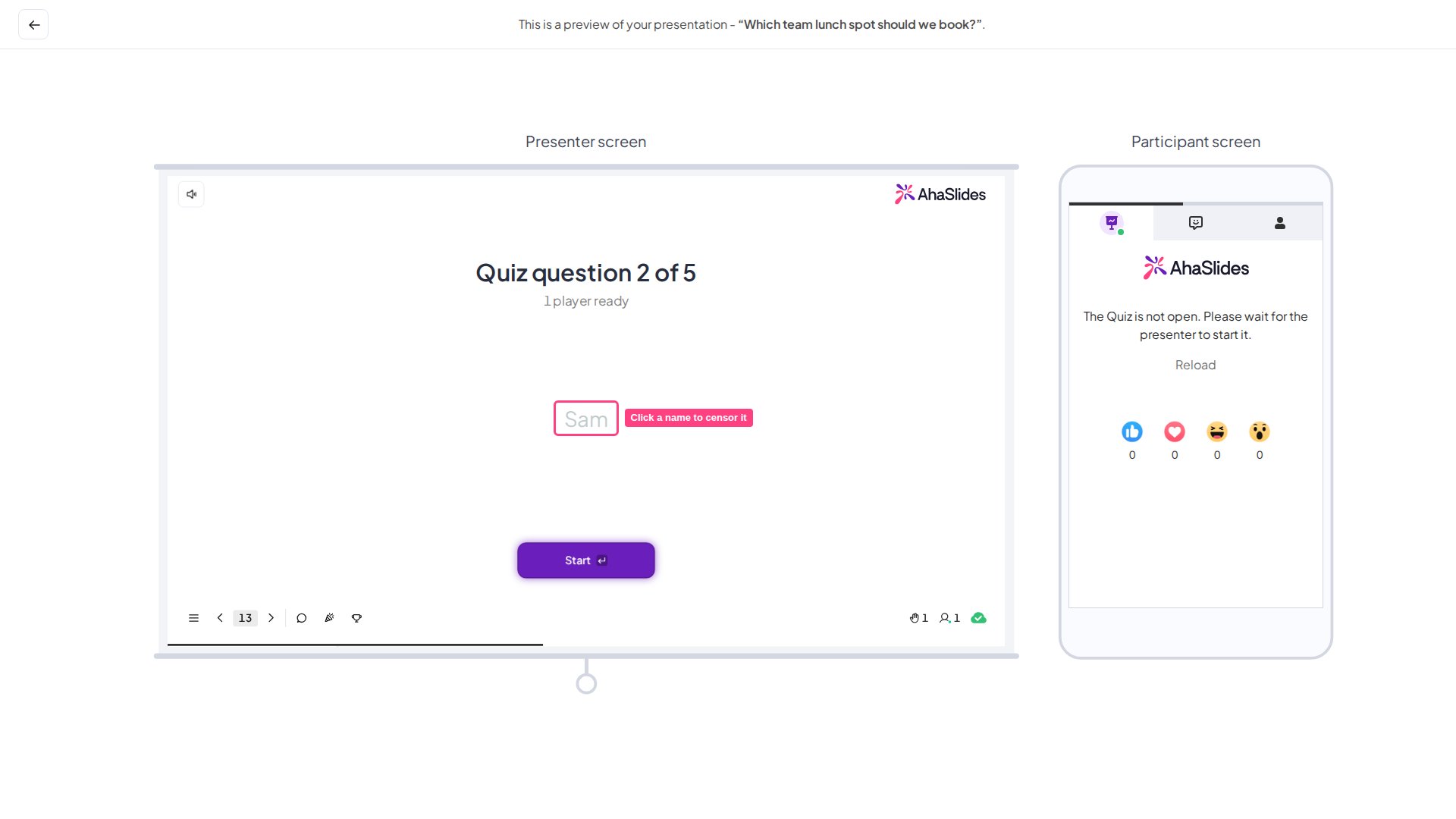
2. On the leaderboard
On any leaderboard slide, the presenter can press the eye icon next to a participant’s name to censor it.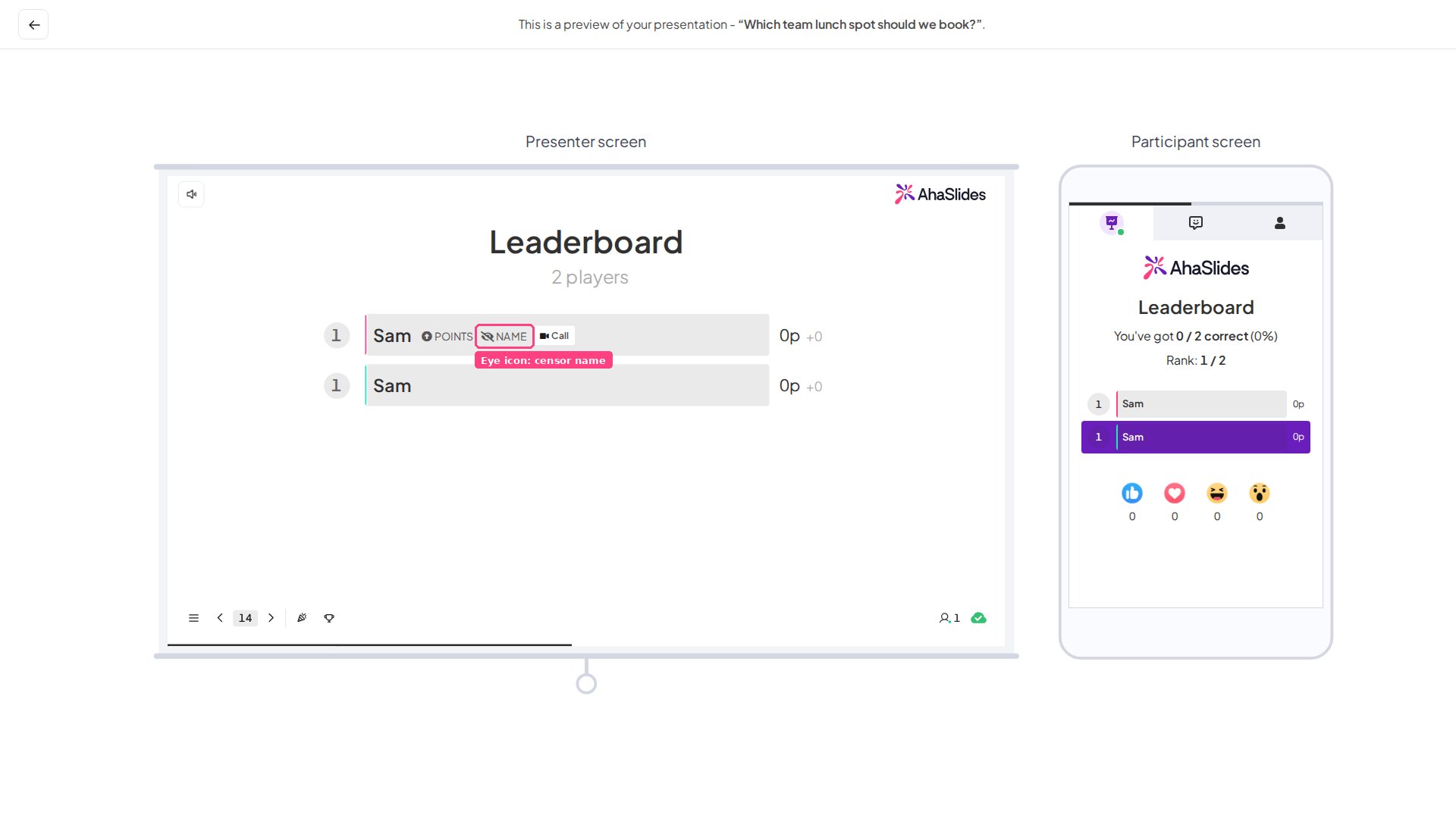
Frequently asked questions
Can I remove a participant from my session?
Can I remove a participant from my session?
No. There’s no option to remove or disconnect an individual participant during a session. If a name is inappropriate, censor it using either method above.