

Integrate AhaSlides into Webex
1
Start your meeting
Once your conference call is set up, start the meeting in the Webex app.
2
Add your AhaSlides polling link to Webex
In the menu bar, choose Share > Share Multimedia, then add your AhaSlides polling link. Make sure Share Multimedia is enabled.
To find the polling link: log in to your account at ahaslides.com, open the presentation you want to share, click the Share button, choose Get audience link, and copy the link.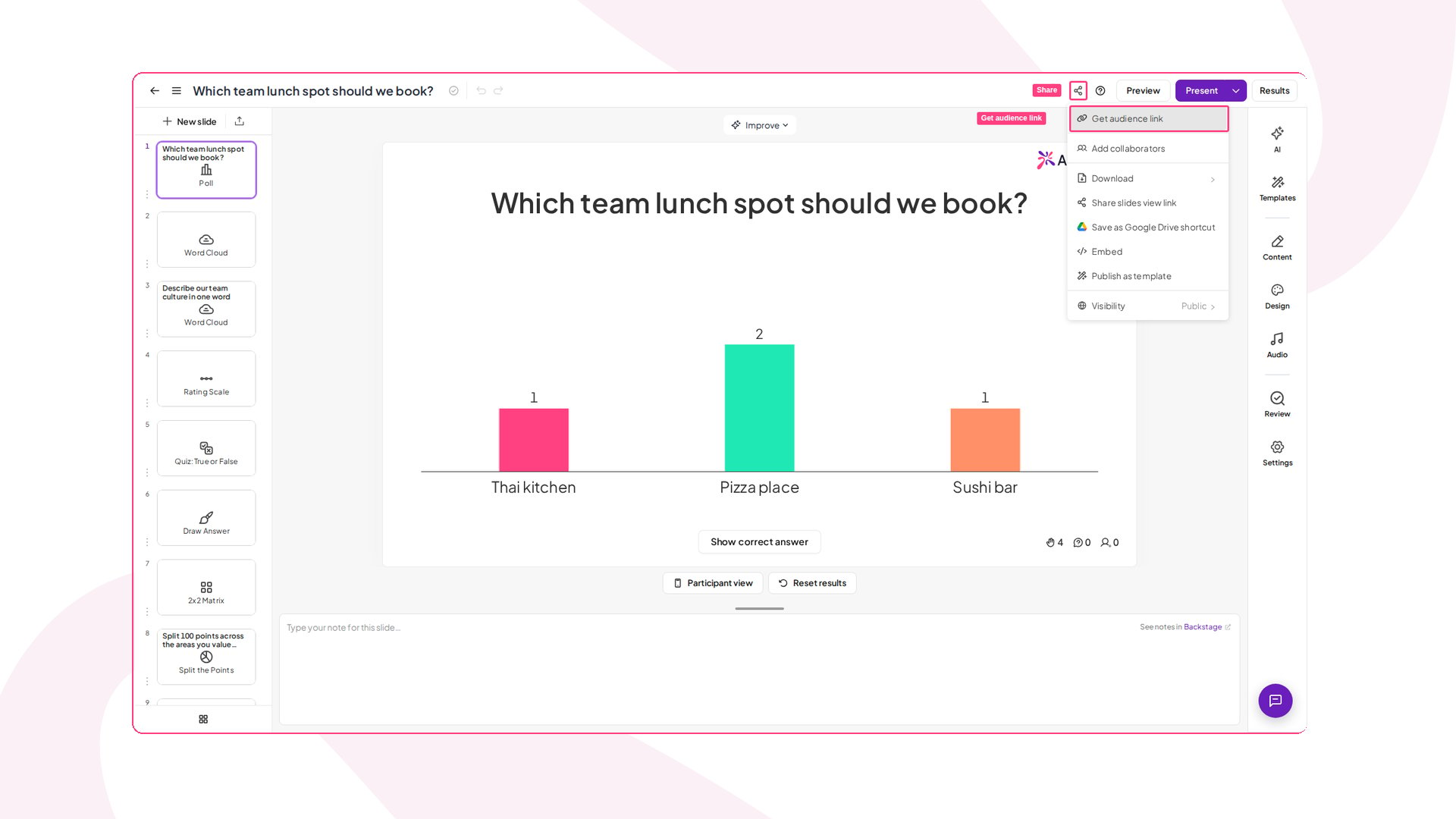
3
Participants see the presentation
Your audience sees AhaSlides on the right-hand side of their screen. Once they press Continue, AhaSlides opens in their Multimedia Viewer panel.
4
Present and collect responses
The host shares the AhaSlides screen on Webex, and participants enter their responses directly in the Webex app where they’re viewing the presentation.