Yes — you can use AhaSlides on a kiosk, totem, or any other public display. This works well for lobbies, events, expo booths, and reception areas where you want people to take part as they walk past.

The supported setup: The kiosk shows your slides, the audience responds on their phones

AhaSlides is built so that you present your slides on one screen, and your audience responds from their own phones. A kiosk or totem simply acts as that presenting screen:
  1. Run your presentation on the kiosk/totem screen. Open your presentation and start presenting on the totem’s display, just as you would on any monitor or projector.
  2. Show the join code and QR code. The presentation displays a join URL (access code) and a QR code. Anyone nearby can scan the QR code with their phone camera, or enter the access code, to join.
  3. Your audience responds on their own devices. Each person answers your polls, quizzes, word clouds, and other slides from their own phone — no app or account needed.
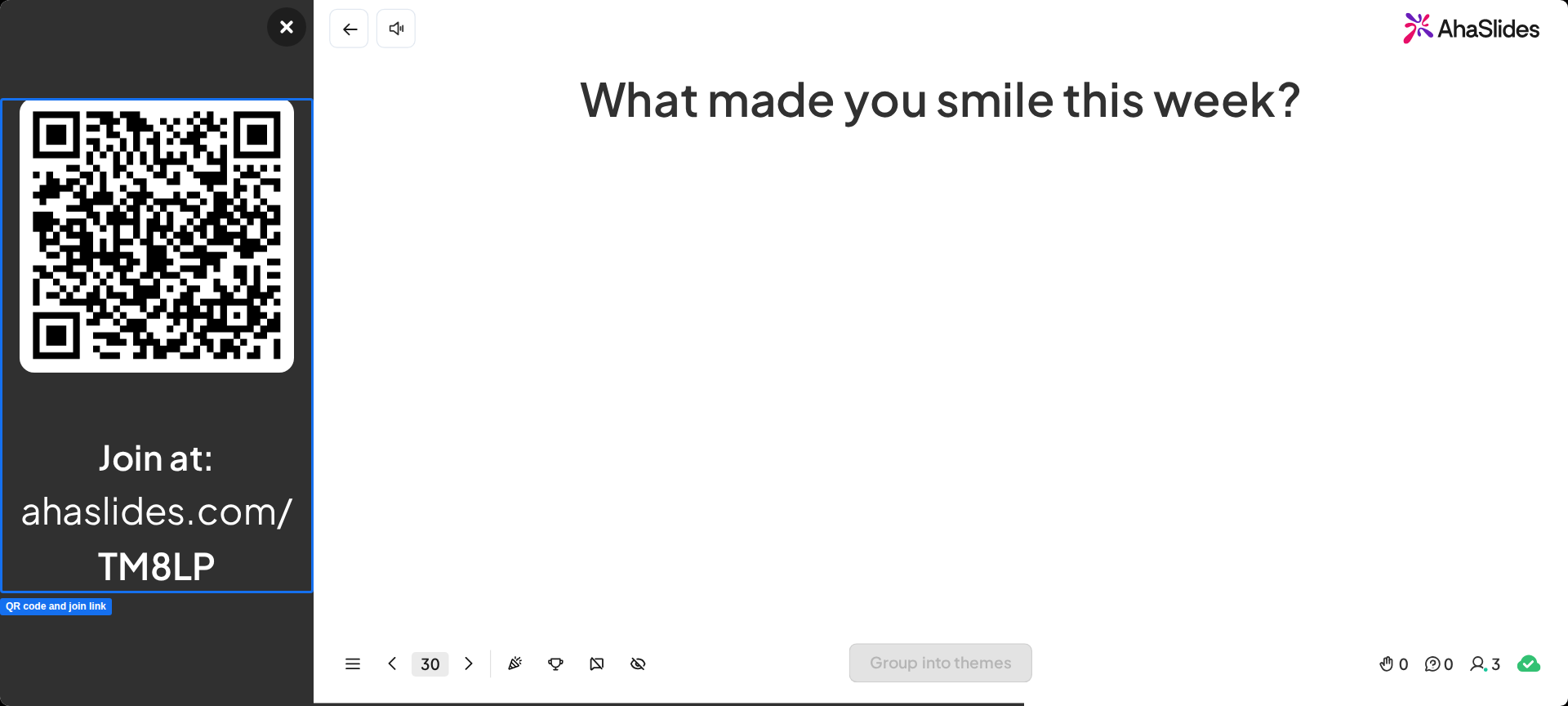
This is the standard AhaSlides joining flow. For the full detail on the join URL, access code, and QR code, see Sharing your presentation for participants to join.
For an unattended display, set up a self-paced presentation so it advances on its own, and consider a QR Code slide so the join code stays visible without you at the controls.

The one limitation: The totem is a display, not a shared response device

AhaSlides does not have a kiosk mode where a single shared device collects responses from many people tapping on the totem itself. The totem shows the presentation; it is not the thing your audience taps to answer. Each participant responds from their own phone by joining with the access code or QR code. If your use case needs people to answer on the totem directly — one after another on the same screen — that is not currently supported.

Have a question?

Contact our support team — if you’re logged in, use the chat bubble in the bottom-right of your dashboard; otherwise contact us here or email hi@ahaslides.com.