Presenting
How to Manually Censor Responses on Open Ended & Word Cloud Slides
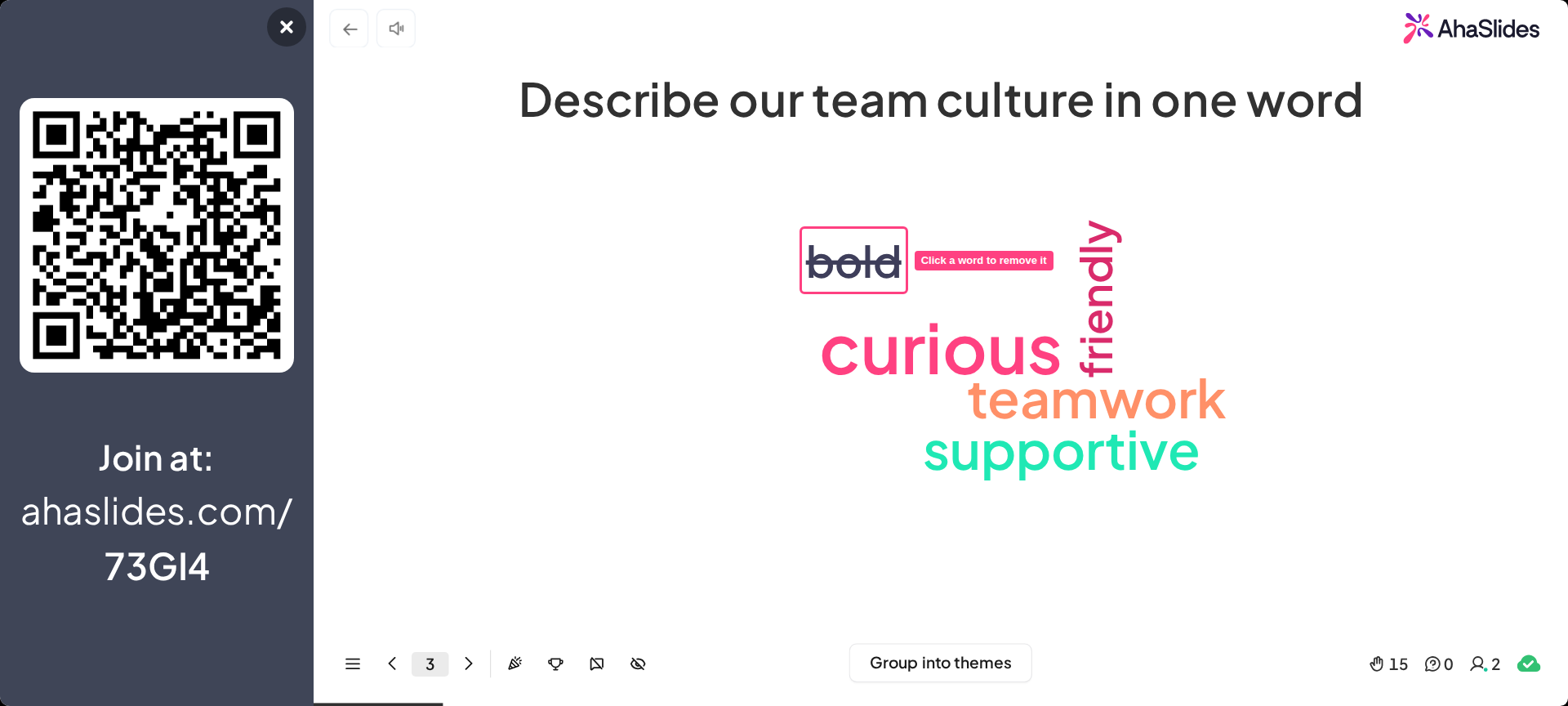
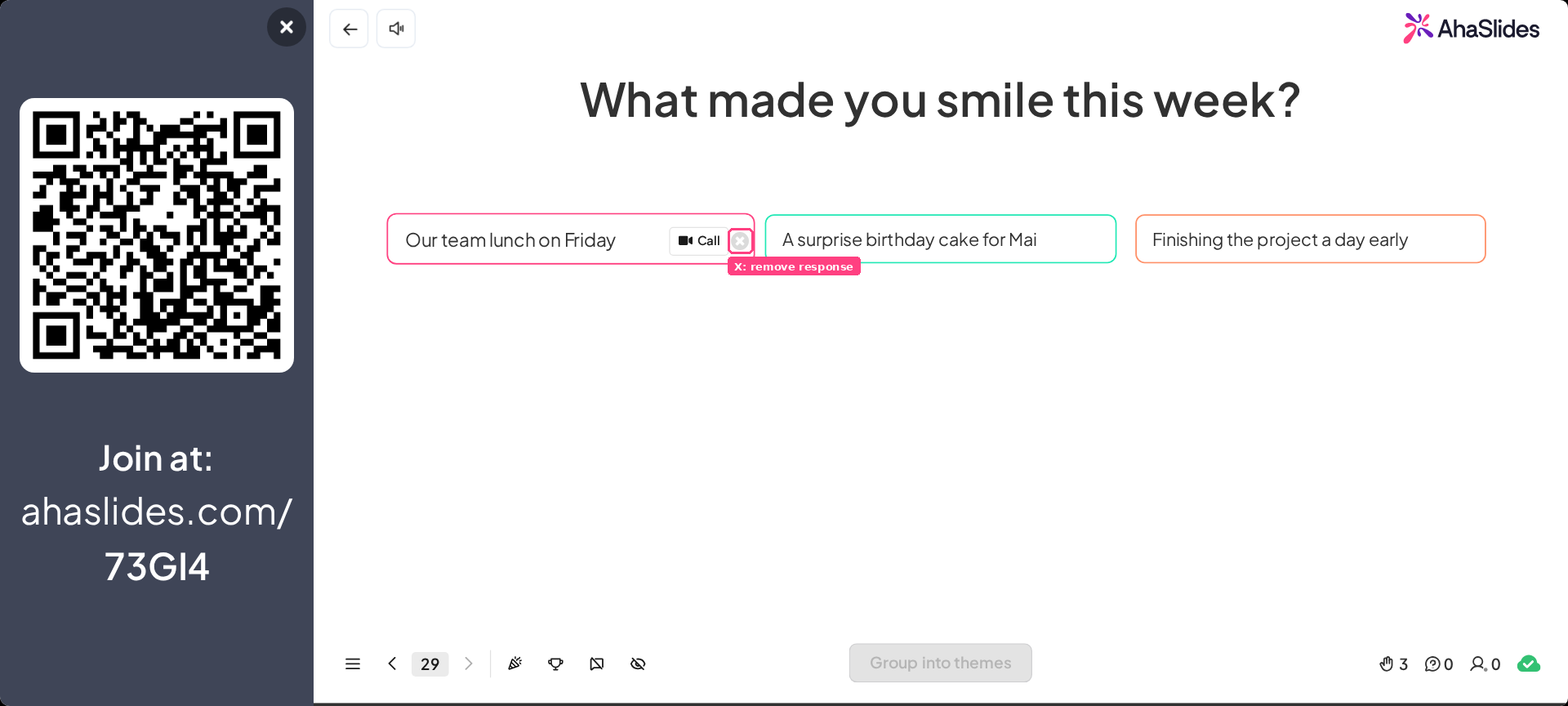
Remove individual participant responses from Word Cloud and Open-Ended slides — click a word to remove it, or press the X icon next to an Open-Ended response.
Alongside the profanity filter, you can manually remove individual participant responses from your Word Cloud and Open-Ended slides.
Related topics
Using the Open Ended Slide for Free-Text ResponsesHow to Use the Profanity FilterHow to Create and Use a Word Cloud Slide in AhaSlidesHow to Use and Create a Presentation Theme in AhaSlidesHide Results (Non-Quiz Slides)How to Censor Inappropriate Names on a Quiz
Previous
How to Use Backstage and Remote Control While Presenting on AhaSlides
Next