

How to share AhaSlides on Zoom
1
Open your AhaSlides presentation
Open your AhaSlides presentation.
2
Host or join a Zoom meeting
Host or join a Zoom meeting.
3
Click Share Screen
In the meeting, click the Share Screen button.
4
Select the AhaSlides window
Select the window with AhaSlides open and click Share.
5
Click Present
Click Present.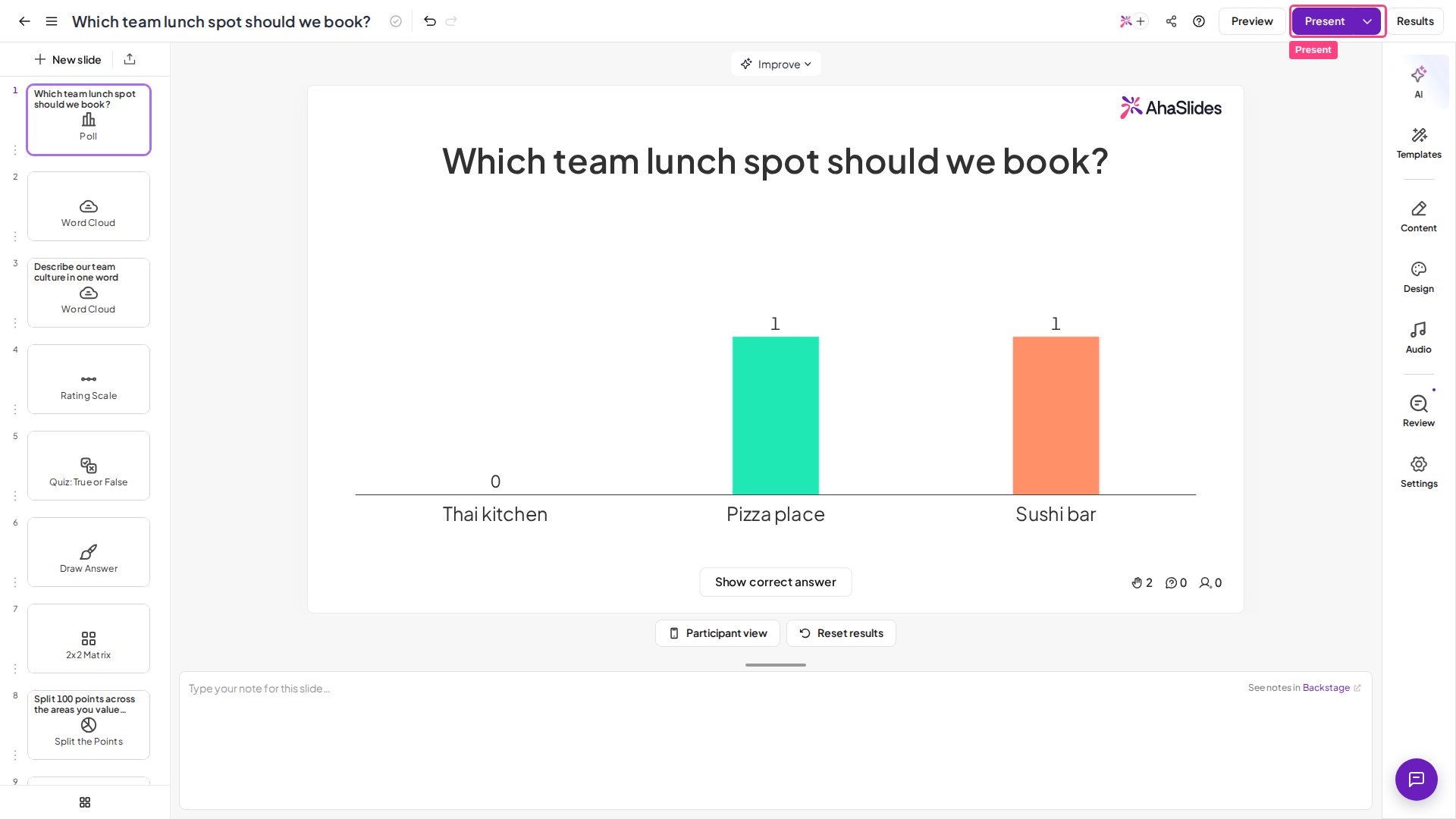

Tips
- Do a dry run before going live to iron out any difficulties you might encounter.
- Close all other tabs apart from AhaSlides and Zoom to improve loading speed.