

Generate quizzes and polls from a file
1
Click the Import button
Locate and click the Import button on the My Presentations dashboard, or in the editing screen.
2
Upload your file
In the Import dialog, click the upload area to select a file, or drag the file you want to import into it.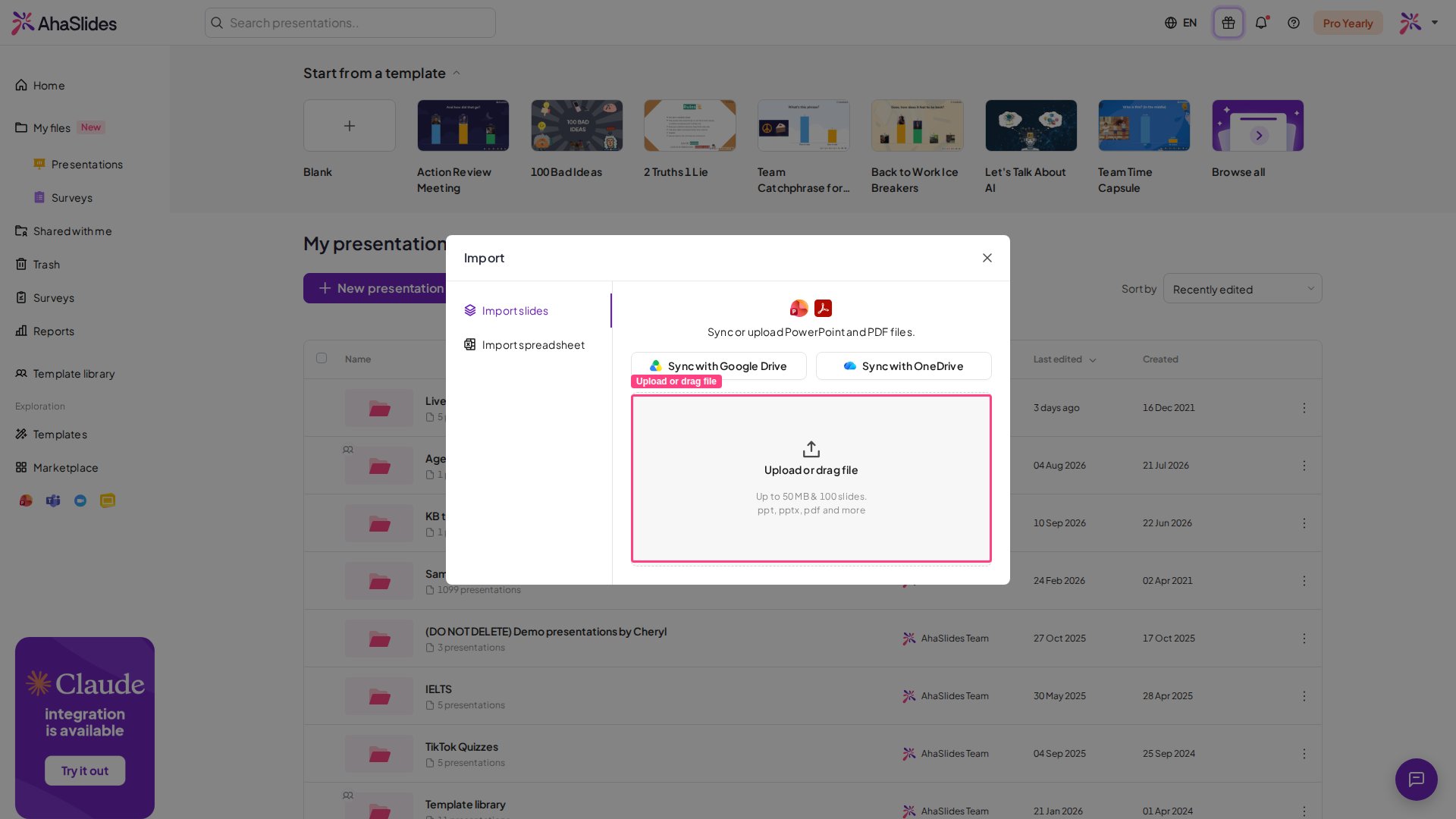
3
Choose an option and complete the import
After selecting your file, you can choose what you want to do with it.For PPT, PDF, and image files, there will be 3 options:
- Import and generate slides with AI
- Generate interactive slides
- Import slides
Benefits of generating quizzes from a file
- Time Efficiency: Quickly transform existing presentations into interactive quizzes.
- Enhanced Engagement: Interactive quizzes make training sessions more engaging.
- Versatility: Supports many file formats.