

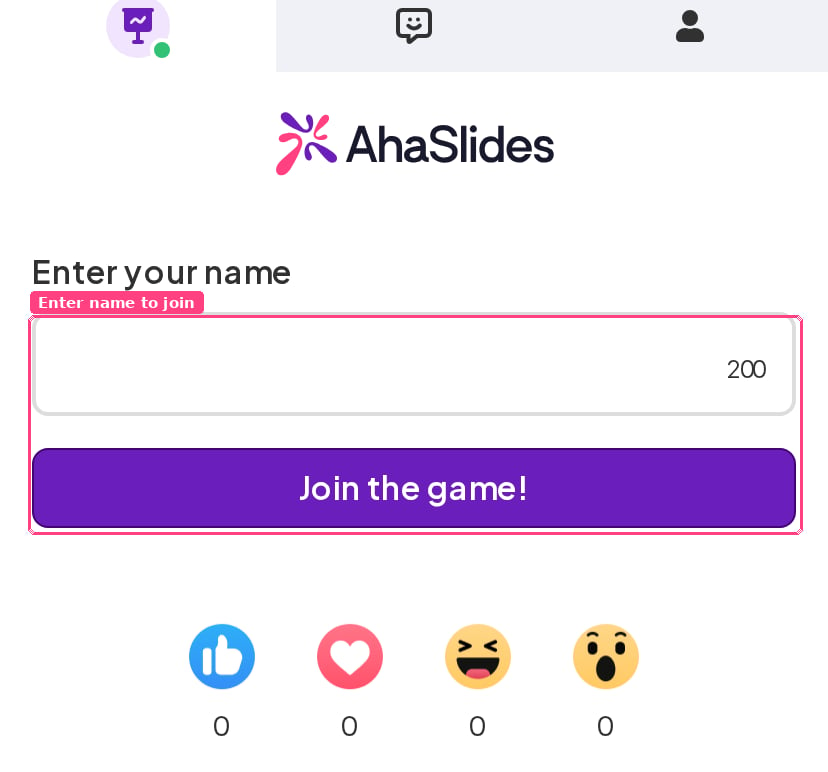
AhaSlides only prompts for names automatically on quiz (scored) slides. For other slide types, or to gather more than just a name (for example email or organisation), use the audience info feature described in Collecting audience information.
Do participants have to enter their name again if they leave the page?
Normally, no. When a participant enters their name, AhaSlides saves it in their browser for that presentation and restores it automatically when they come back — so switching tabs, locking their phone, or briefly leaving the page won’t make them type it again. They will be asked for their name again if that saved value is no longer there. The usual reasons are:- You reset the presentation’s results. Resetting clears each participant’s saved name and answers so your next audience starts fresh. See Resetting the results.
- They came back on a different browser or device, or in a private/incognito window — the saved name lives in the browser they first joined from.
- Their browser is blocking or clearing site data (private browsing, strict privacy settings, or a cleared cache).
- More than 3 days have passed since they last interacted with that presentation.