Allowing presentation feedback
To let your participants give feedback at the end of your presentation, open Settings, go to the Advanced tab and tick Allow audience feedback.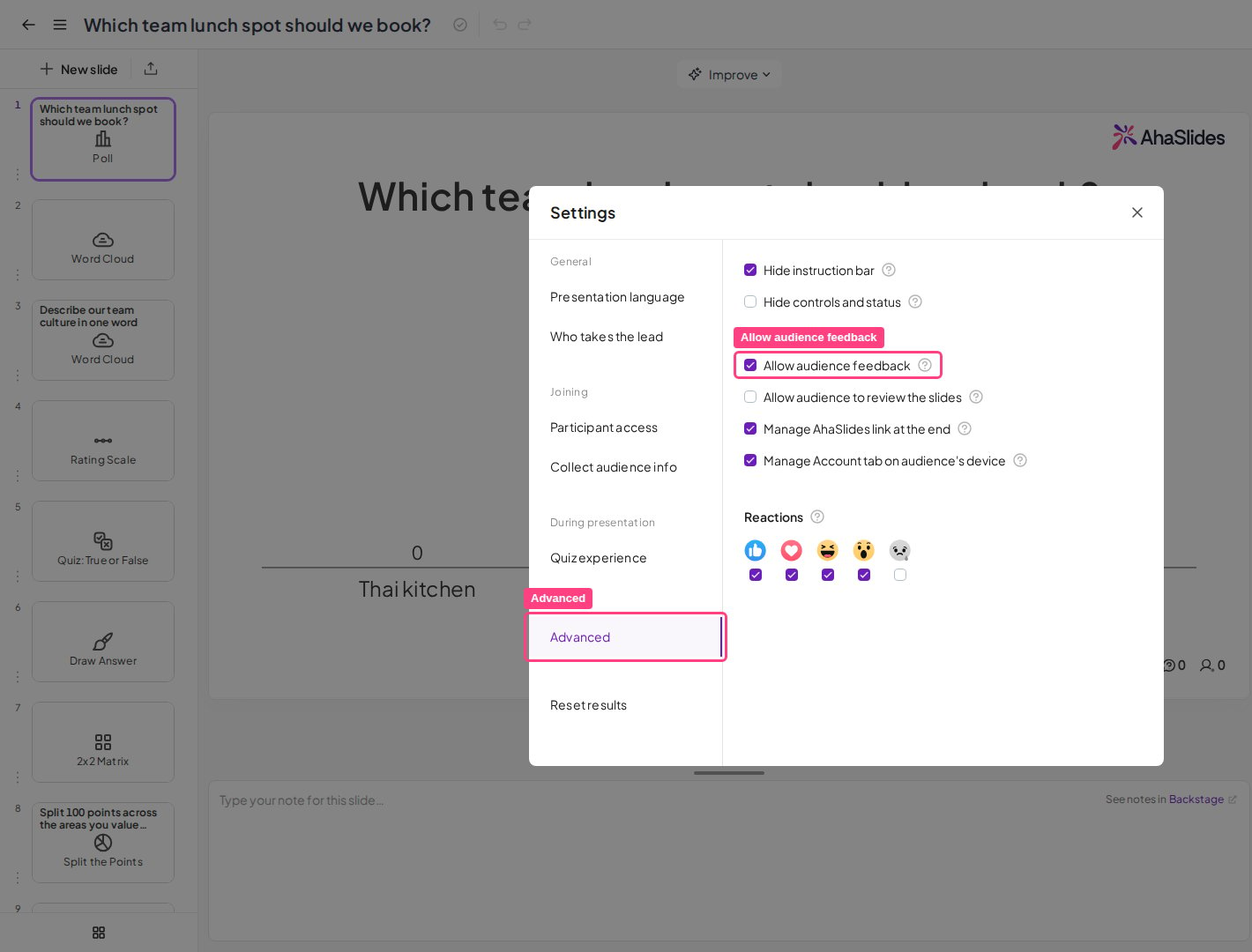
The audience interface
When giving feedback from their mobile devices, your audience can do two things:- Rate your presentation between 1 and 5 stars.
- Leave written feedback about your presentation.
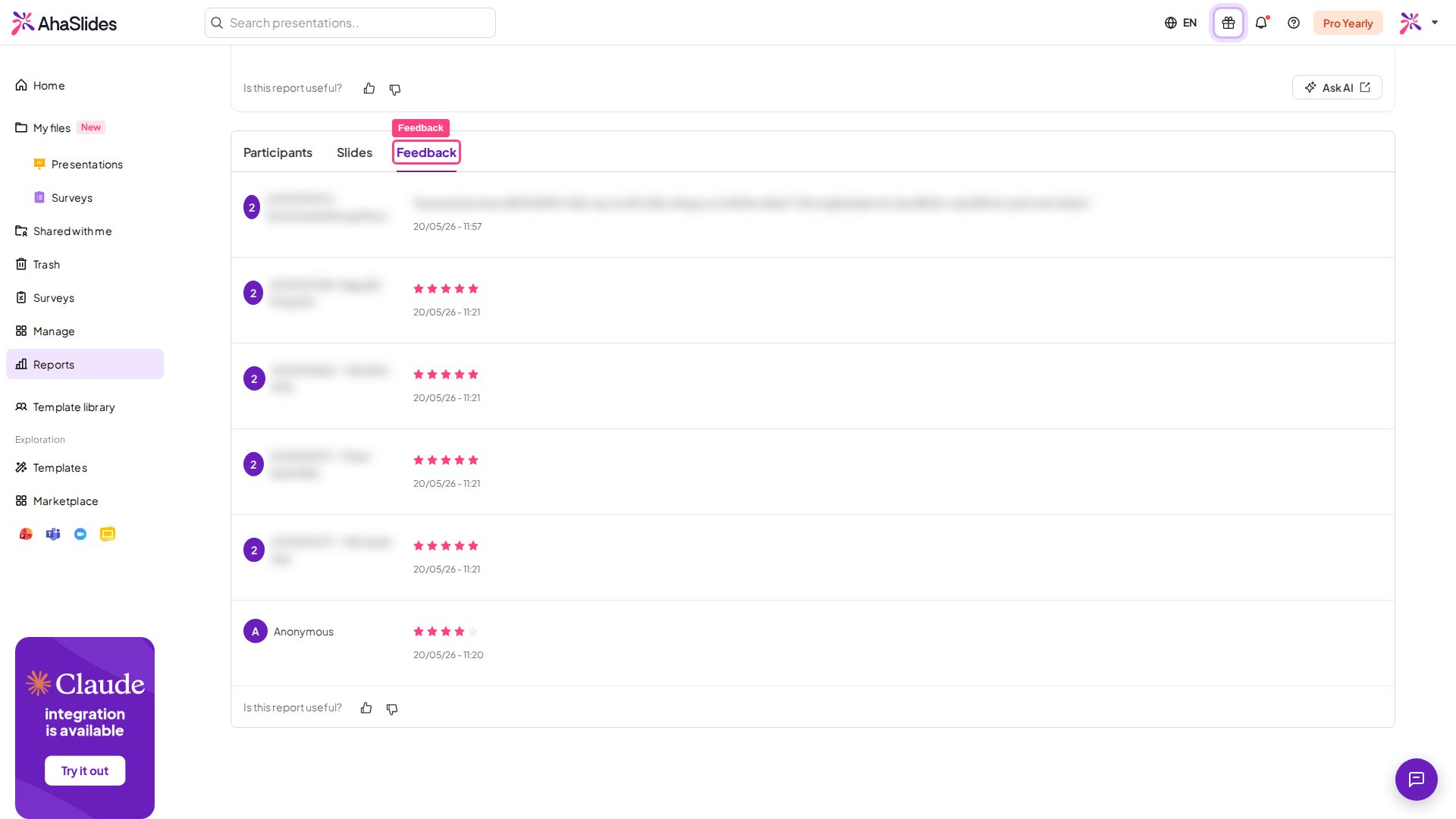
Where to find your presentation feedback
You can see all collected feedback in your Presentation Report. To access it, click the Results button in the top-right toolbar, click View more to open the report, then select the Feedback tab (the icon labelled Feedback when you hover over it) to see your presentation feedback.