

Add LaTeX to a question title
There are two ways to enter LaTeX in the canvas editor.1
Using the LaTeX dialog (recommended)
Open the canvas editor and click the LaTeX button in the toolbar.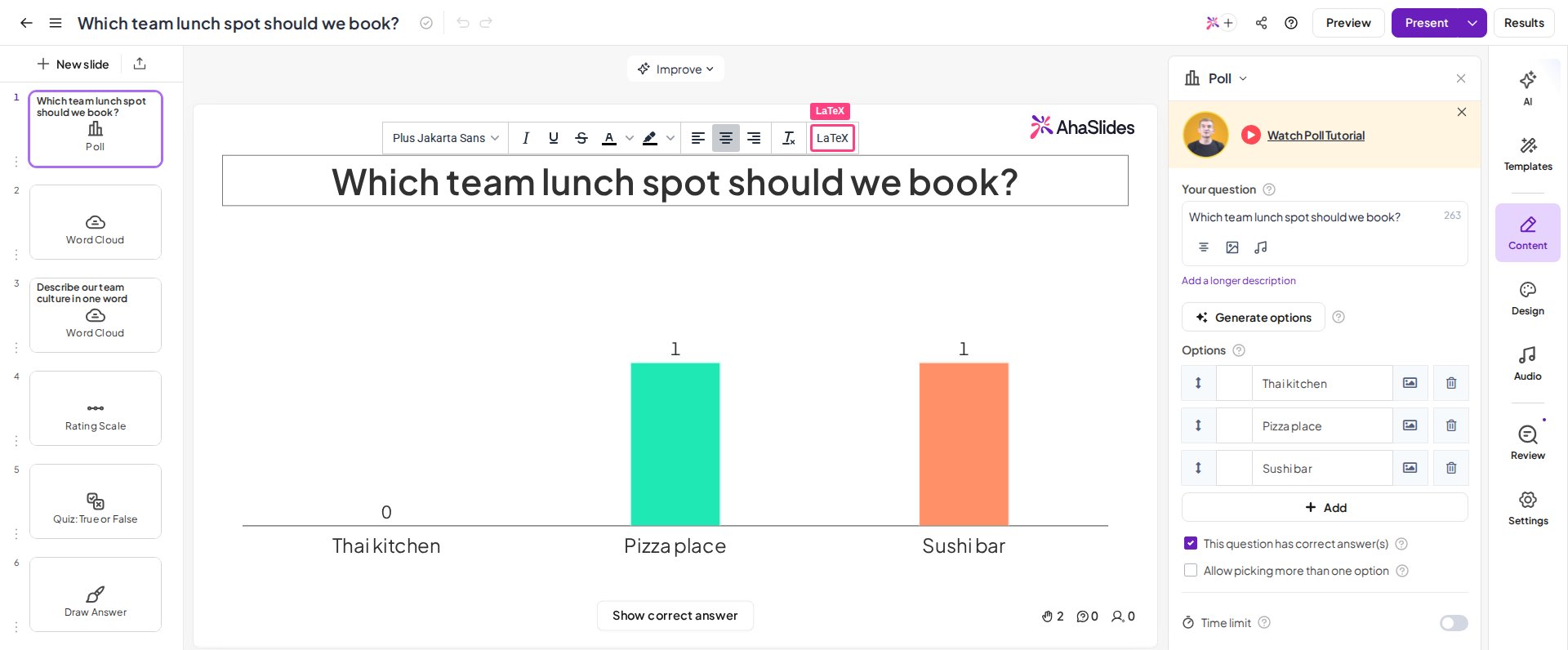

$ signs. Click Insert to render it in your slide.2
Typing directly in the title
Click into the question title field and wrap your equation in
$ signs — for example, $x^2 + y^2 = z^2$. Press space or click outside the text box, and it converts to rendered LaTeX automatically.What LaTeX syntax AhaSlides supports
AhaSlides uses KaTeX to render LaTeX. This covers most standard equations and scientific notation, but it does not support full LaTeX document syntax. Commands like\documentclass or \begin{document} won’t work — write only the equation part.
What happens with invalid LaTeX
If you enter invalid LaTeX syntax, the editor shows an error message rather than breaking your slide. Fix the syntax and the equation renders correctly, without affecting your presentation flow.