Change Your Email Address
1
Open My Profile
Log in to your AhaSlides account and go to My Profile.
2
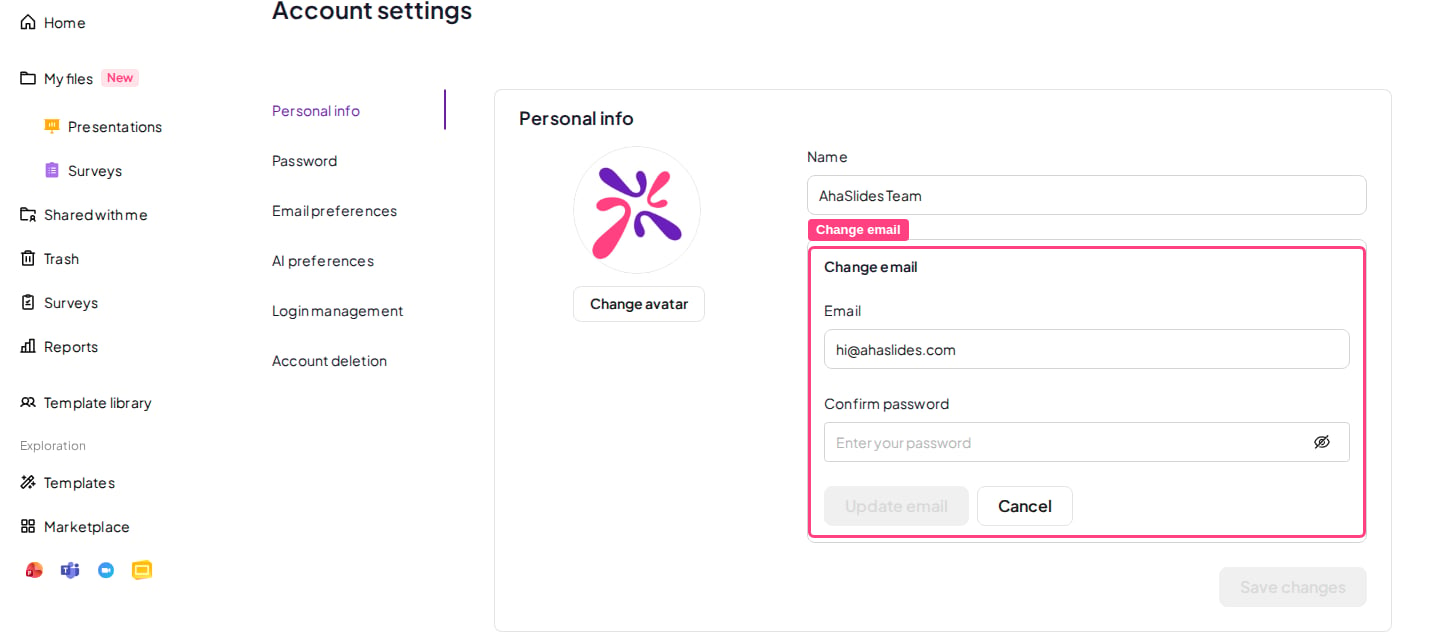
Go to Change email
Scroll down to Change email and click Edit.
3
Enter your new email
Enter your new email address and confirm your current password.
4
Update your email
Click Update email.