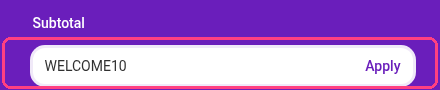
Add a discount code at checkout
1
Choose Your Plan
Select the plan you’d like to purchase and proceed to the Checkout page.
2
Add the Promotion Code
On the Checkout page, locate the ‘Add promotion code’ text right under the ‘Subtotal’ section. Click on it.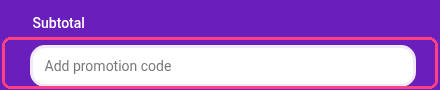
3
Enter the Code
Enter your discount code in the field that appears, then click ‘Apply’.