

Card payment
AhaSlides accepts international credit cards and debit cards. When you make a purchase, the upgrade process is automatic and happens with immediate effect.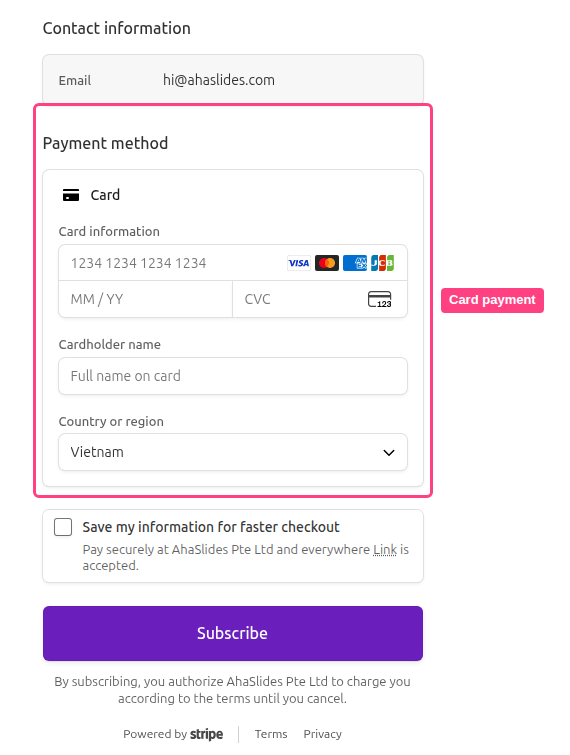
Change or remove your saved card
Your saved card is managed in the secure Stripe billing portal. Go to the My Plan page and, in the Billing & payment card, click Manage payment. The portal’s Payment method section shows your saved card, where you can:- Add a new card — use Add payment method to replace the saved card with a different one.
- Remove your card — delete the saved card from your account.
Removing your card depends on your subscription. With no active subscription, the card is removed straight away. With an active subscription, removing the card also turns off auto-renewal — your plan then runs to the end of the current billing period and won’t renew. See Cancelling your AhaSlides subscription for the details.
Credit balance
When you downgrade, refer a friend (or receive balance as a gift), your account will have a credit balance. This balance can be viewed on the My Plan page.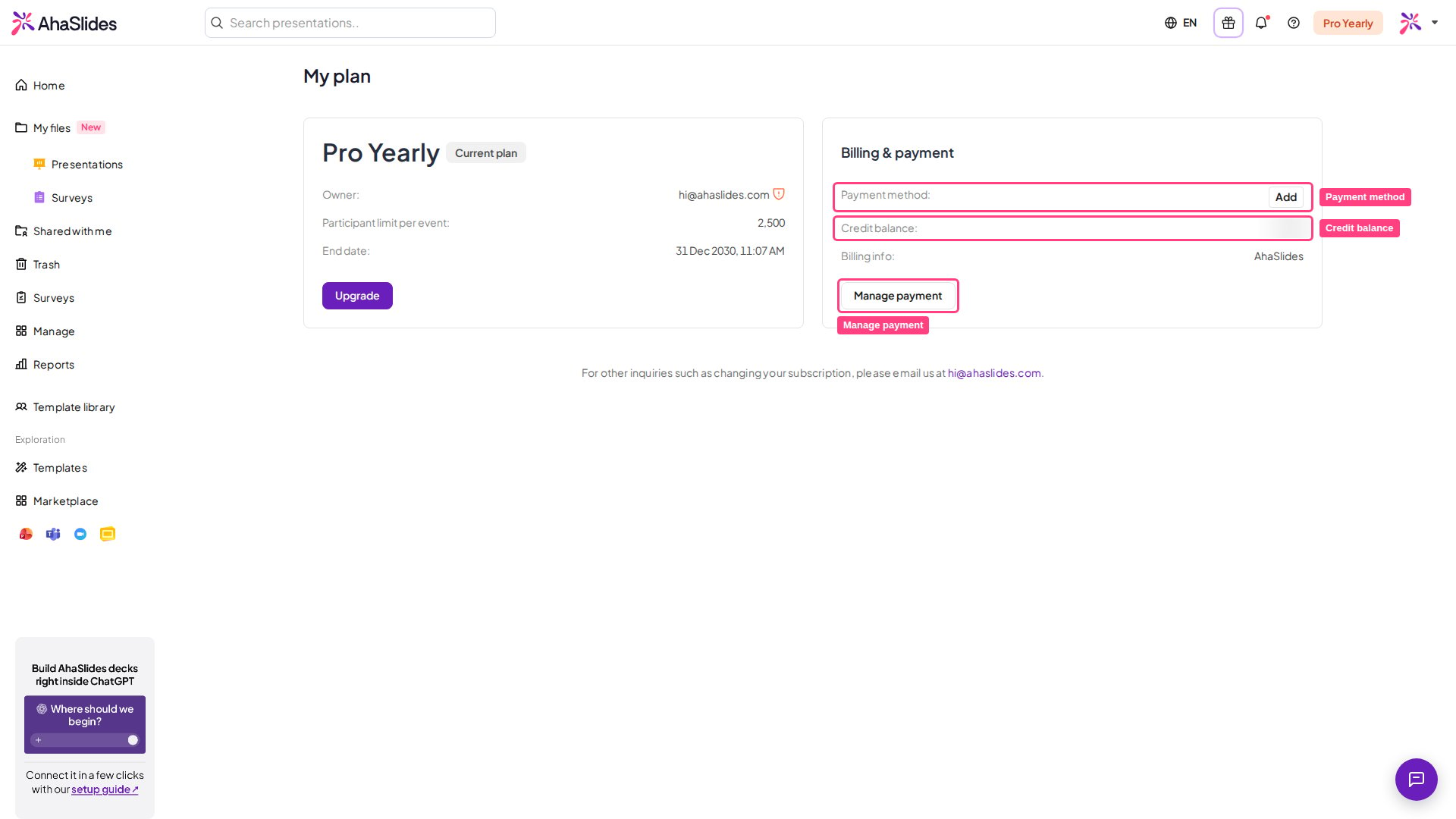
- Upgrading your plan.
- Purchase a plan.
- Renewing your plan.