

Update your billing address
1
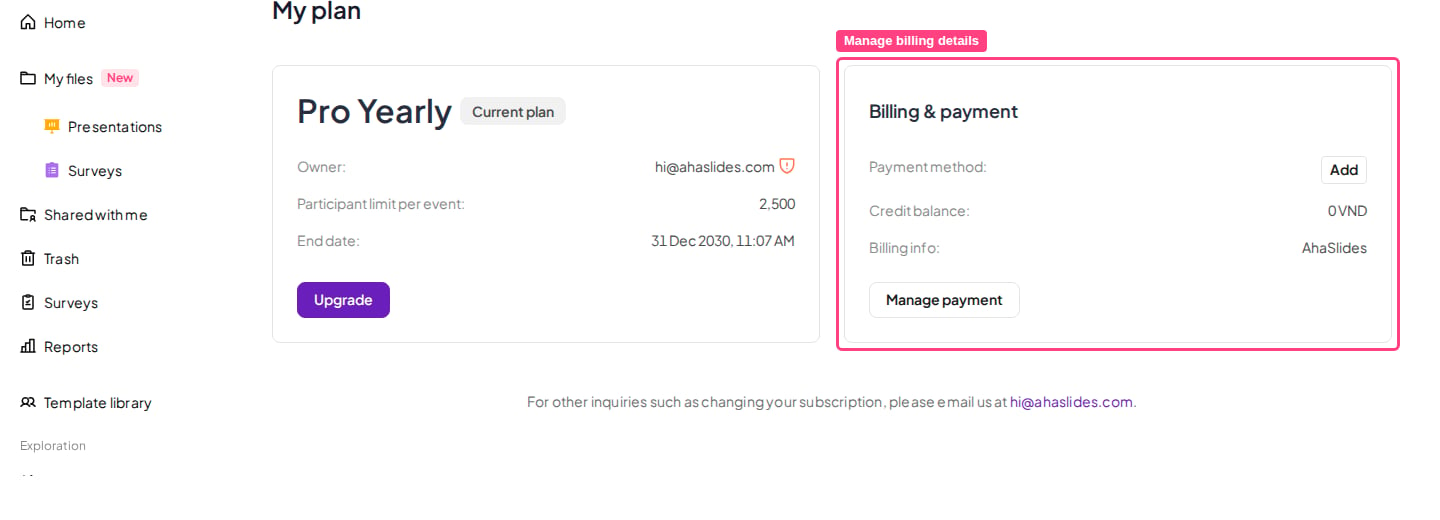
Open the My Plan page
Log in to your AhaSlides account and go to the My Plan page.
2
Open your billing details
In the Billing & payment section, click Manage payment to open the secure billing portal.
3
Update your billing information
Update your billing address and other details, then save your changes.
Update your billing details before making a purchase — existing invoices cannot be amended after payment is processed. See Billing information and Invoice/Receipt for more on invoices and billing.