Unsubscribe from Marketing Emails
To stop receiving marketing emails, change your email preferences directly in your account:1
Open My Profile
Log in and open My Profile from your account menu.
2
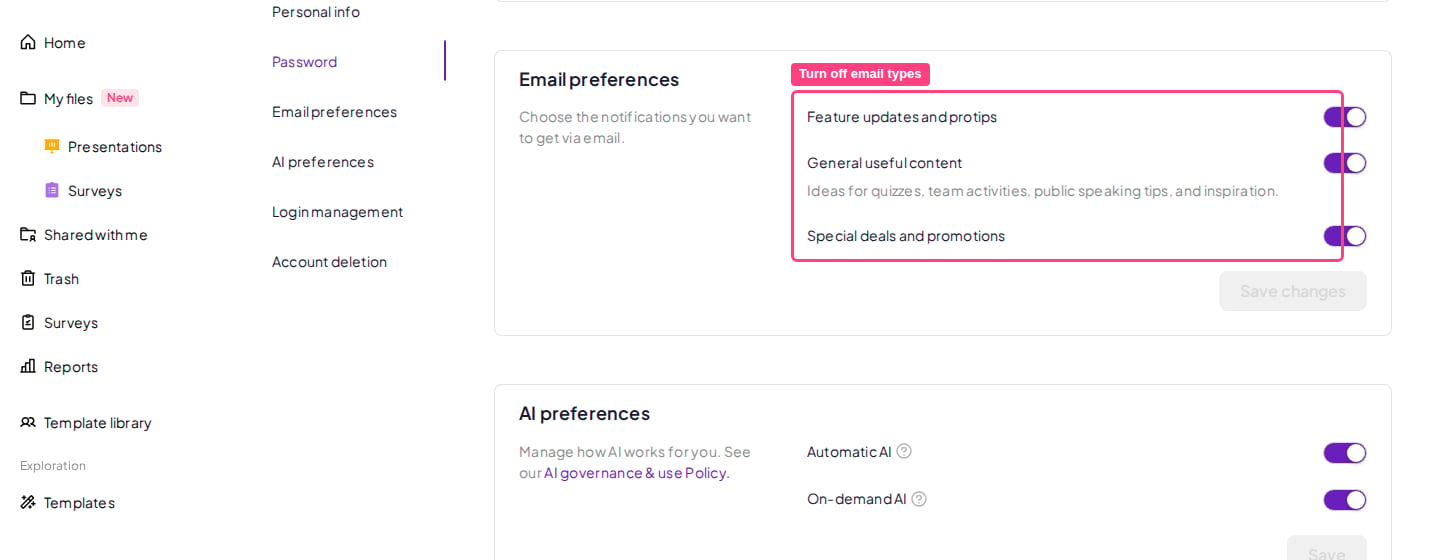
Go to Email preferences
Scroll to the Email preferences section.
3
Turn off the emails you don't want
Each email type has its own toggle — Feature updates and protips, General useful content, and Special deals and promotions. Switch off the ones you no longer want to receive.
4
Save changes
Click Save changes, and you’re all set!