Multiple accounts and team accounts
To give several people paid features, buy a Team plan with one licence per person. An individual plan upgrades only your own account, so it does not cover your colleagues. To buy the licences, open the pricing page and scroll to the team plans section. Enter the number of licences you need, choose the plan, then click Buy now. You can also click Upgrade team plan on your Team Members page (the button reads Buy licences once your team has a paid team plan).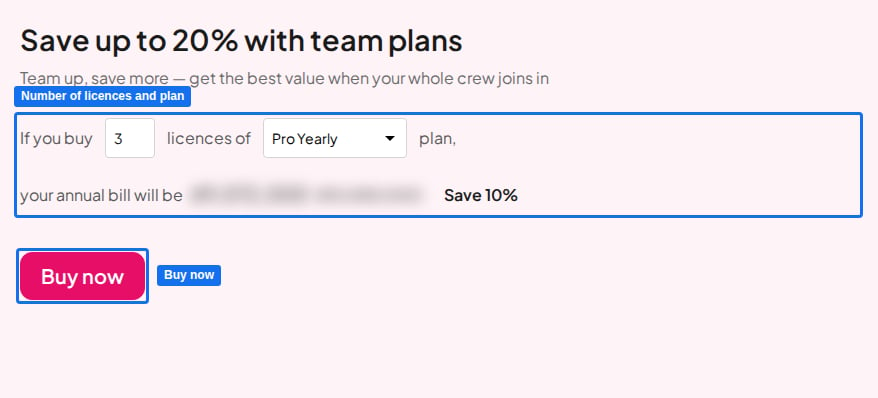
Buying multiple Team plan licences
The full step-by-step guide to buying and changing Team plan licences.
Enterprise
For enterprise plans and custom license inquiries, visit ahaslides.com/enterprise, where you can explore the options and reach us through the contact form.