A Poll slide doesn’t ask participants for their name, so by default your audience votes without telling you who they are. Anonymity in AhaSlides depends on what you ask participants to do during the session, not on the Poll slide itself, and this page explains what keeps a vote nameless and what links it to a name.

Anonymity at a glance

Run a Poll without collecting names

1

Build the presentation from unscored slides

Use Poll and other unscored slides such as Word Cloud, Rating Scale or Ranking. These don’t ask participants for a name.
2

Leave the join form off

Don’t turn on Ask participants for info before they join in Collect audience info. See Collecting audience information.
3

Keep quiz slides out of the session

A quiz (scored) slide asks everyone for a name when you reach it. Put quizzes in a separate presentation if you want this one to stay nameless.
4

Keep results on the presenter screen

Results appear on your screen as a chart. Participants only see the vote counts on their phones if you tick Show on audience’s devices in the Poll slide’s Display results section.
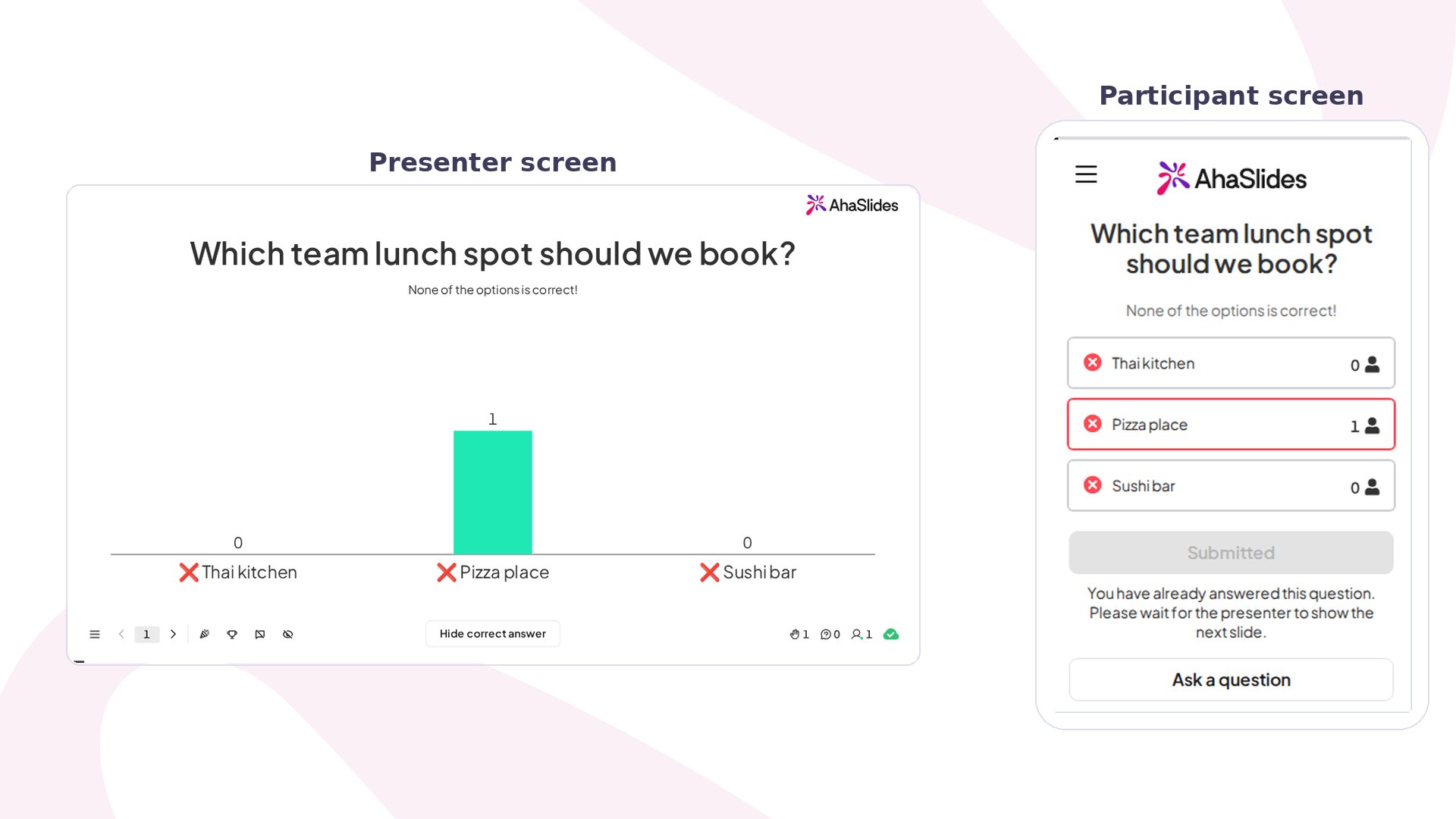
AhaSlides presenter screen showing a Poll slide with live results, beside the participant screen on a phone Each participant who joins gets a random participant ID, and their votes are stored under it. The ID on its own doesn’t tell you who someone is. A name is only attached when the participant gives one, and these are the ways that happens:
Once a participant gives a name, it is linked to their earlier votes as well as their later ones, because every answer is stored under the same participant ID. A participant who votes in a Poll and later answers a quiz slide can therefore be matched to that earlier vote in your reports.

What you can see in your reports

  • Presenter screen: the Poll result is a combined chart. It never lists who voted for which option.
  • Individual participant report: each participant has their own page showing the answers they gave, including their Poll votes. A participant who never gave a name appears as (Anonymous), and you can still see their answers. See Your AhaSlides presentation report.
  • Excel export: the Opinion Answers sheet lists every Poll vote on its own row with the Participant Id and Participant Name columns beside it. See Export data to Excel.
So a Poll is anonymous to your audience, and to you when nobody gave a name. If you need to be able to tell a participant that their answers can never be traced back to them, don’t rely on the Poll slide alone, because the answers are stored per participant.

Anonymity on other slide types

Frequently asked questions

Can I make a Poll anonymous?

A Poll is anonymous when you don’t collect names anywhere else in the session. There is no anonymity switch on the Poll slide, and no setting to hide names from yourself.

Can I see who voted for which option?

On the presenter screen, no: results are combined. In the individual participant report and the Excel export you can see each participant’s vote, labelled with their name if they gave one and as (Anonymous) if they didn’t.

Do participants have to sign in to vote on a Poll?

No, unless you turn on participant verification for the presentation.

Can a participant stay anonymous in a quiz?

They can type a nickname, but the name field can’t be left empty and there is no setting to turn the prompt off.

Does a nameless vote still count in the results?

Yes. A vote counts in the chart and in the reports whether or not the participant gave a name. Have a question? Contact our support team — if you’re logged in, use the chat bubble in the bottom-right of your dashboard; otherwise contact us here or email hi@ahaslides.com. Want to connect with other users? Join the AhaSlides community to share tips, request features, and see how others engage their audiences.