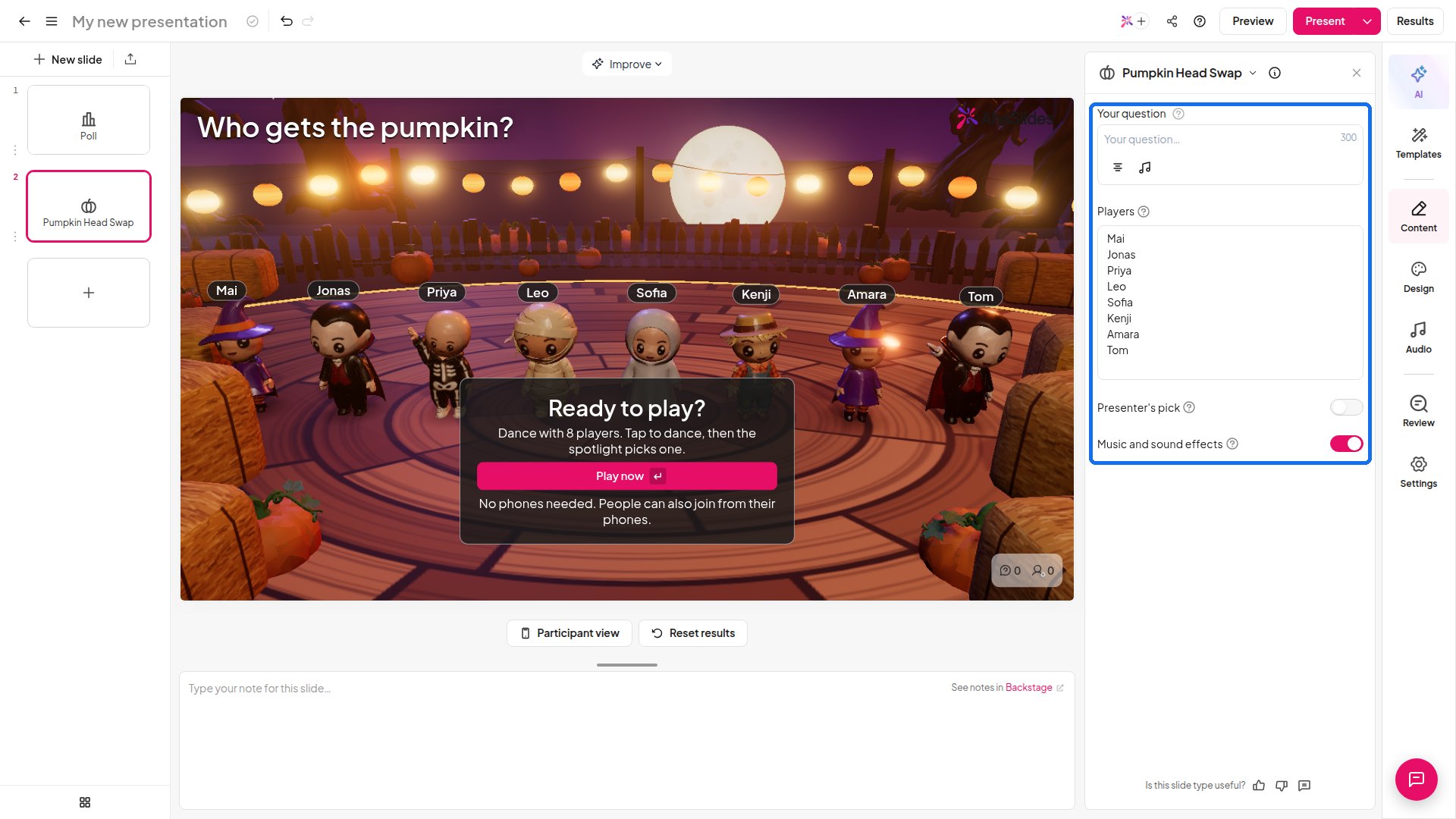
Pumpkin Head Swap is a zero-prep Halloween game for your presentation. Costumed dancers swap pumpkin heads to music while a spotlight roams the dance floor, and Reveal shows who holds the red pumpkin. It picks one person, so it suits a prize draw, a volunteer pick or the start of a party. Nothing is scored.

Pumpkin Head Swap at a glance

How to run Pumpkin Head Swap
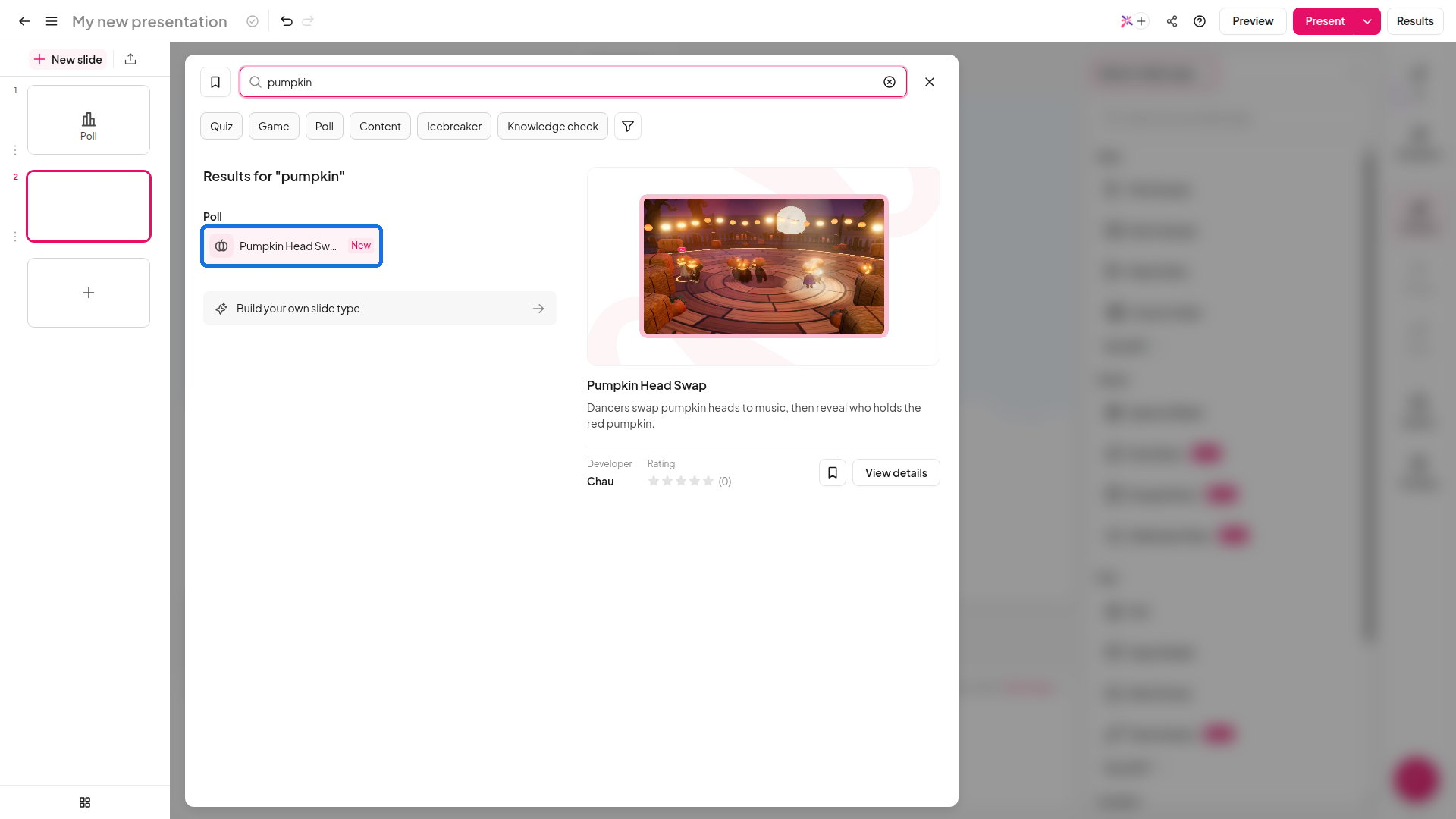
AhaSlides slide type picker with Pumpkin Head Swap found by search
  1. In the editor, click New slide, search for Pumpkin Head Swap and add it. A new slide is already playable, with eight sample dancers.
  2. Type your own title in Your question, for example “Who takes home the golden pumpkin prize?”.
  3. Under Players, replace the sample names with your own, one name per line. Phones that join are added after these names.
  4. Click Present. A Ready to play? card appears. Click Play now (or press Enter) to start. No phones are needed, and people can also join from their phones. Once a phone has joined, the button reads Start the round.
  5. The dancers swap pumpkin heads to music while the spotlight moves across the floor. A Spotlight stops in countdown runs, and a groove meter fills as people tap.
  6. Audience members tap on their phones to make their dancer dance harder. You can tap too: press Space.
  7. Click Reveal or press Enter to show who holds the red pumpkin. Click Play again or press R for another round.
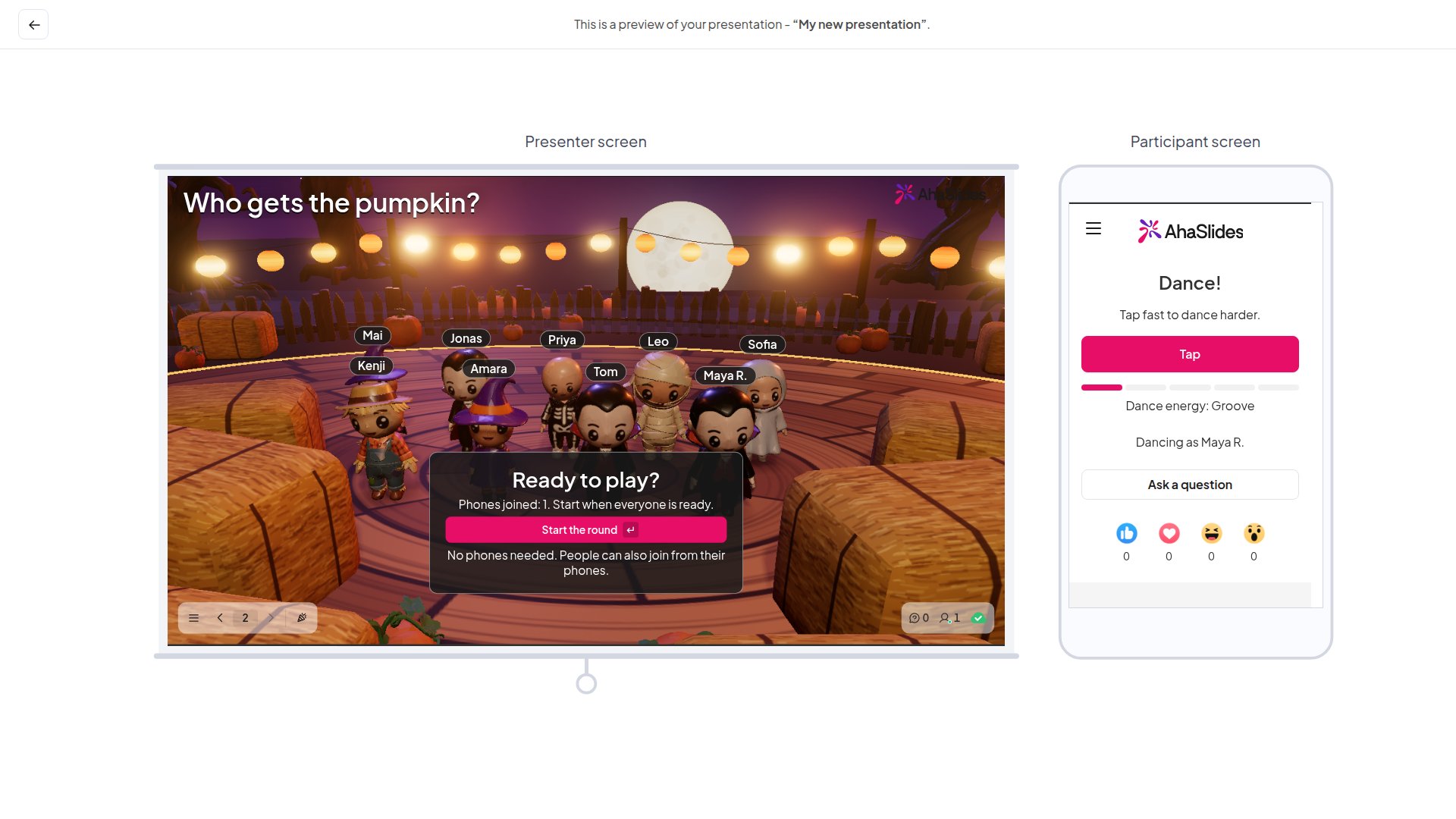
AhaSlides Pumpkin Head Swap slide in preview mode, showing the presenter dance floor beside the participant phone view
The big screen shows each dancer’s name above their costume. On a phone, each player picks a costume, sees Dancing as followed by their name, and taps to dance.

Pumpkin Head Swap settings

AhaSlides Pumpkin Head Swap slide in the editor with the settings panel highlighted

Ideas for using Pumpkin Head Swap

  • Halloween classes: pick who answers the next question or leads the next activity.
  • Workshops and webinars: choose a volunteer or the winner of a prize draw without singling anyone out.
  • Office parties: type your team’s names and let the spotlight pick who wins the prize or kicks off the party.

Pumpkin Head Swap vs. other slide types

Frequently asked questions

Do my players need phones?

No. Type their names under Players and press Play now. People can also join from their phones, and each phone is added as a dancer.

Can I choose who gets the red pumpkin?

Yes. Turn on Presenter’s pick, then hover a dancer and click to pick. Phones never see your pick.

Does tapping decide who is picked?

Tapping makes the dancers dance harder and fills the groove meter, and the spotlight chooses the red pumpkin holder.

What does Reveal do?

Reveal shows who holds the red pumpkin, for example who answers next, wins the prize or kicks off the party.

Can I run another round?

Yes. Click Play again or press R.

Is Pumpkin Head Swap available to everyone?

Yes, it is live for all users. If you don’t see it in the slide type picker, refresh the editor and search for Pumpkin Head Swap again. Have a question? Contact our support team — if you’re logged in, use the chat bubble in the bottom-right of your dashboard; otherwise contact us here or email hi@ahaslides.com. Want to connect with other users? Join the AhaSlides community to share tips, request features, and see how others engage their audiences.