

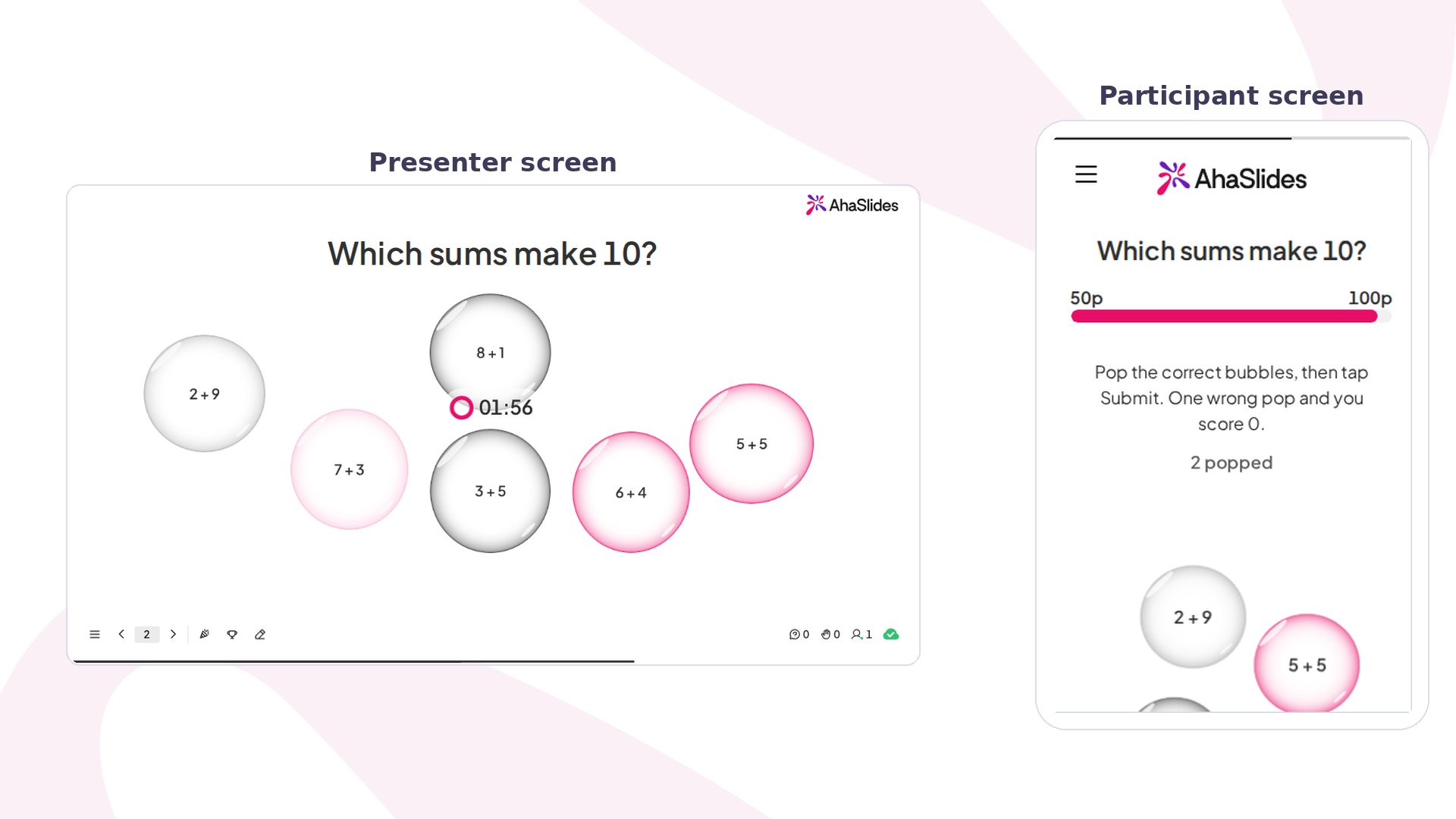
Pick-a-Boo at a glance
Create a Pick-a-Boo slide
1
Add the slide
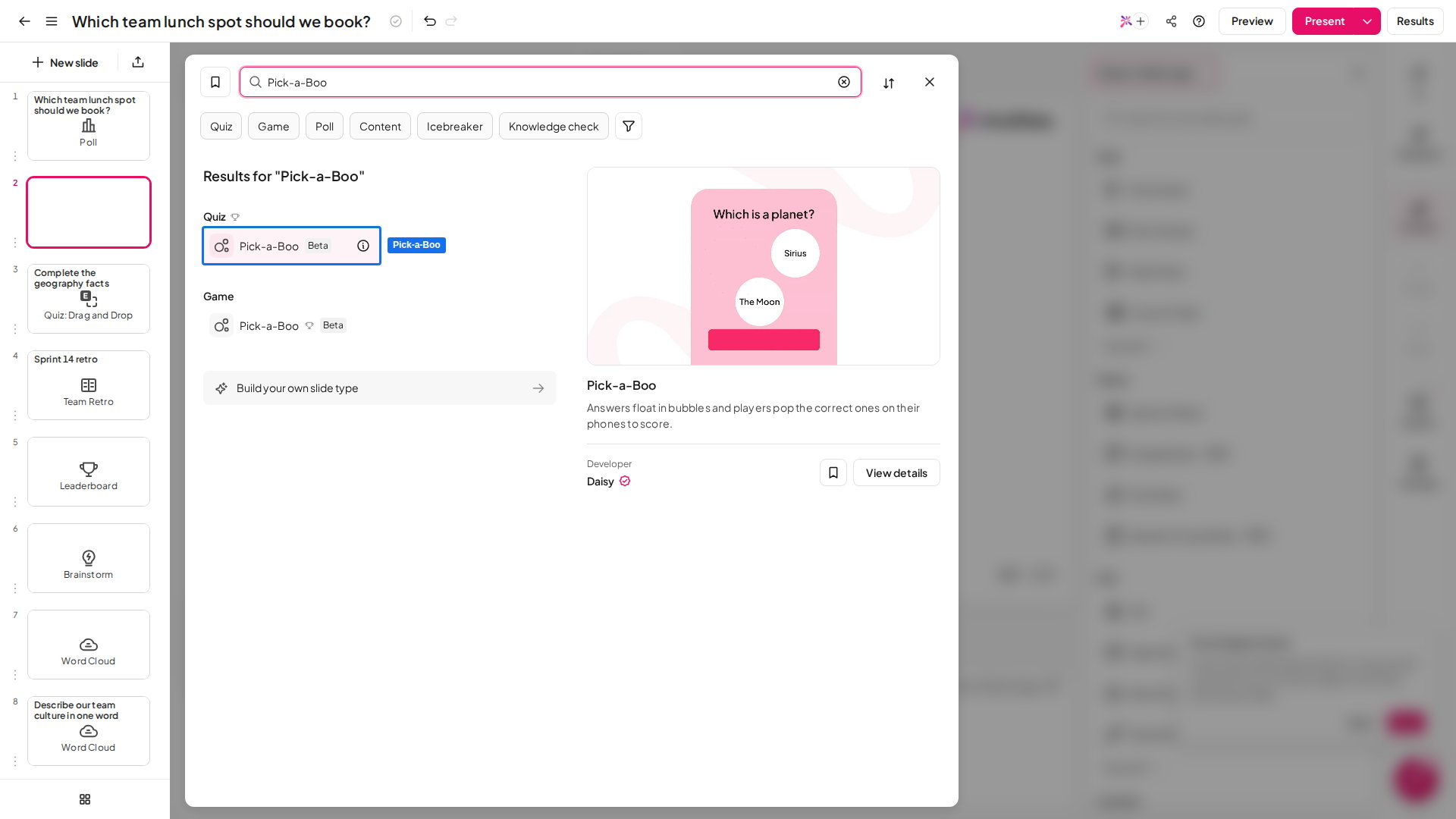
In the editor, click New slide, then search for Pick-a-Boo or find it in the Quiz group. A leaderboard slide is added after it, so players see the scores once the question closes.
2
Write your question
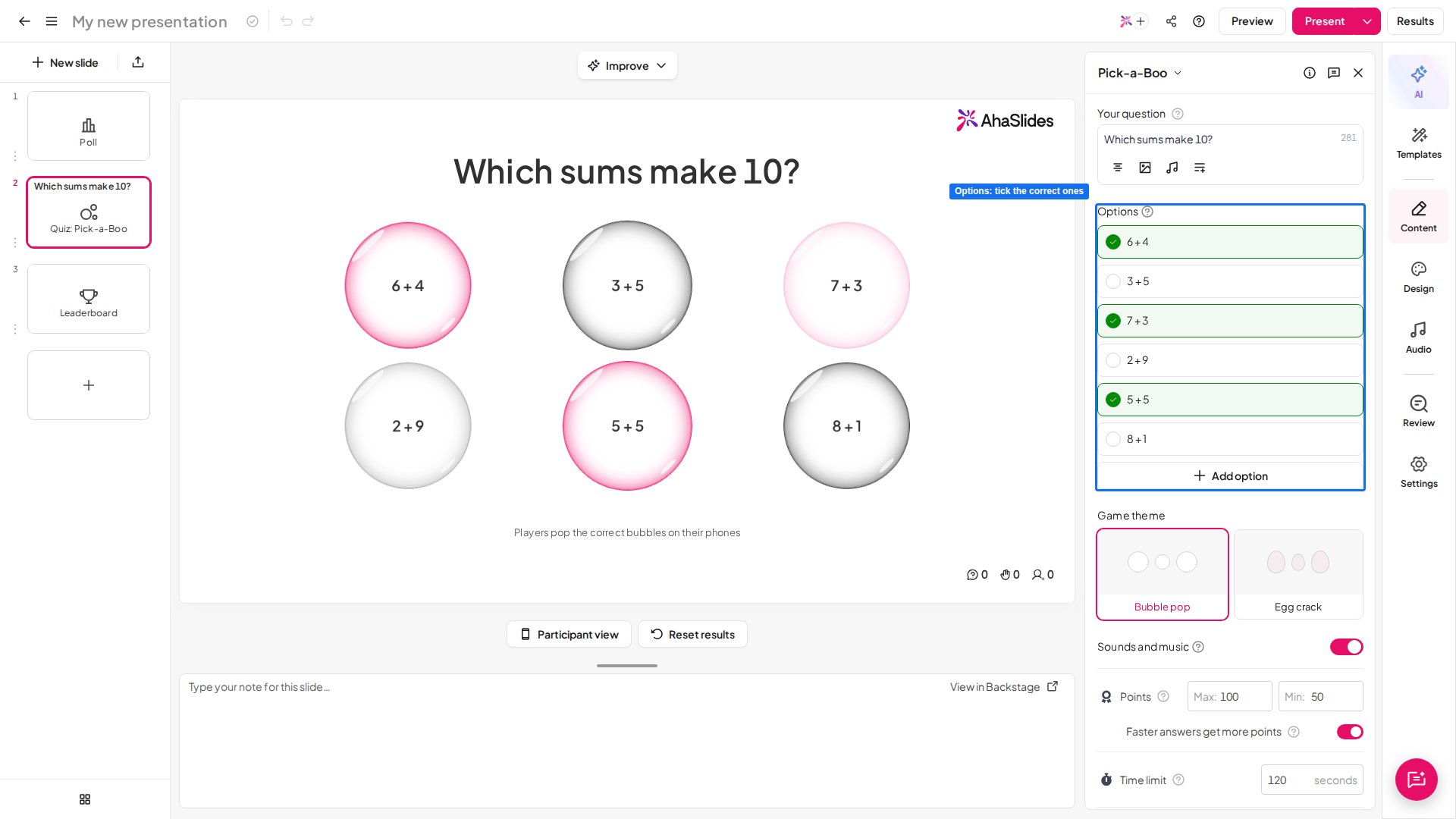
Type it into Your question in the right panel, for example “Which sums make 10?”. Keep it short, so it is easy to read aloud to children who are still learning to read.
3
Add the answer bubbles
Under Options, type one answer per row and click Add option for more. Each option becomes one bubble, so short answers such as “6 + 4” work best.
4
Mark the correct answers
Tick the circle beside every correct option. You can mark as many as you like, but at least one.
5
Check the points and timer
The defaults suit most classes. To change them, see Pick-a-Boo settings.
Present a Pick-a-Boo slide
Click Preview to try it as a player first, then Present. Participants join with the access code on screen, and you click Start to open the question. On each phone, the answers float around in bubbles under the question. Players pop every bubble they think is correct, then tap Submit. A popped bubble disappears, and the phone counts how many have been popped. One wrong pop scores 0 for that question, so it pays to think before tapping. On your screen, the same bubbles float while the timer runs. When the question closes, the correct answers are marked and move to the centre, and each bubble shows how many players popped it. Scores go to the leaderboard, with faster correct answers earning more points.Pick-a-Boo settings
The leaderboard and the other scoring controls work as on every quiz slide: see quiz settings.
Ideas for using Pick-a-Boo
- Number facts: “Which sums make 10?” with 6 + 4, 7 + 3 and 5 + 5 among the bubbles.
- Odd and even: “Pop the even numbers” with 2, 7, 12, 15 and 18.
- Sorting: “Which of these are animals?” with cat, chair, horse, spoon and fish.
- Shapes: “Which shapes have 4 sides?” with square, triangle, rectangle and circle.
- End-of-lesson check: one quick question to see who remembered today’s topic.