

Missing Letters at a glance
Create a Missing Letters slide
1
Add the slide
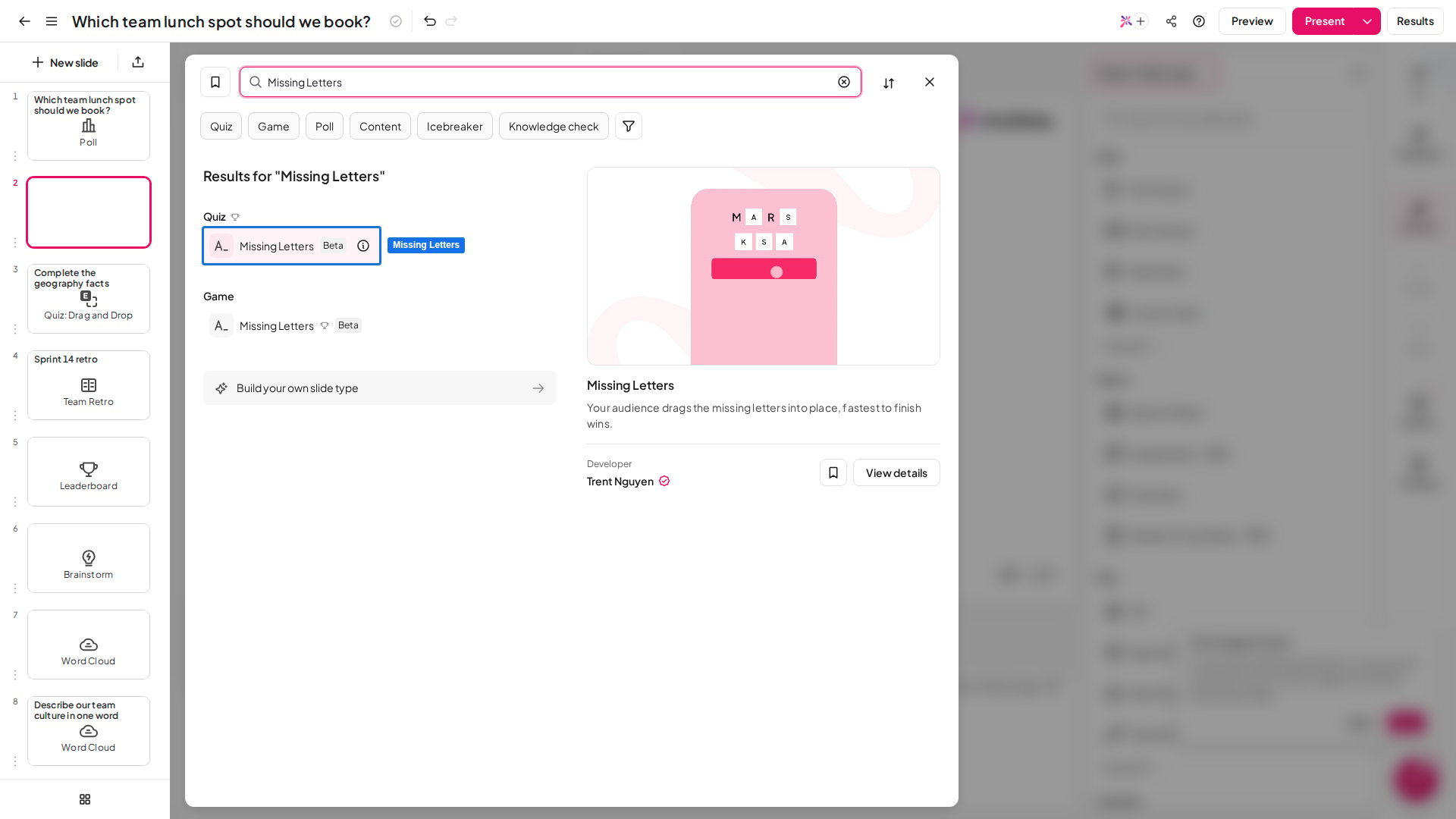
In the editor, click New slide, then search for Missing Letters or find it in the Quiz group. A leaderboard slide is added after it, so players see the scores once the question closes.
2
Write the clue
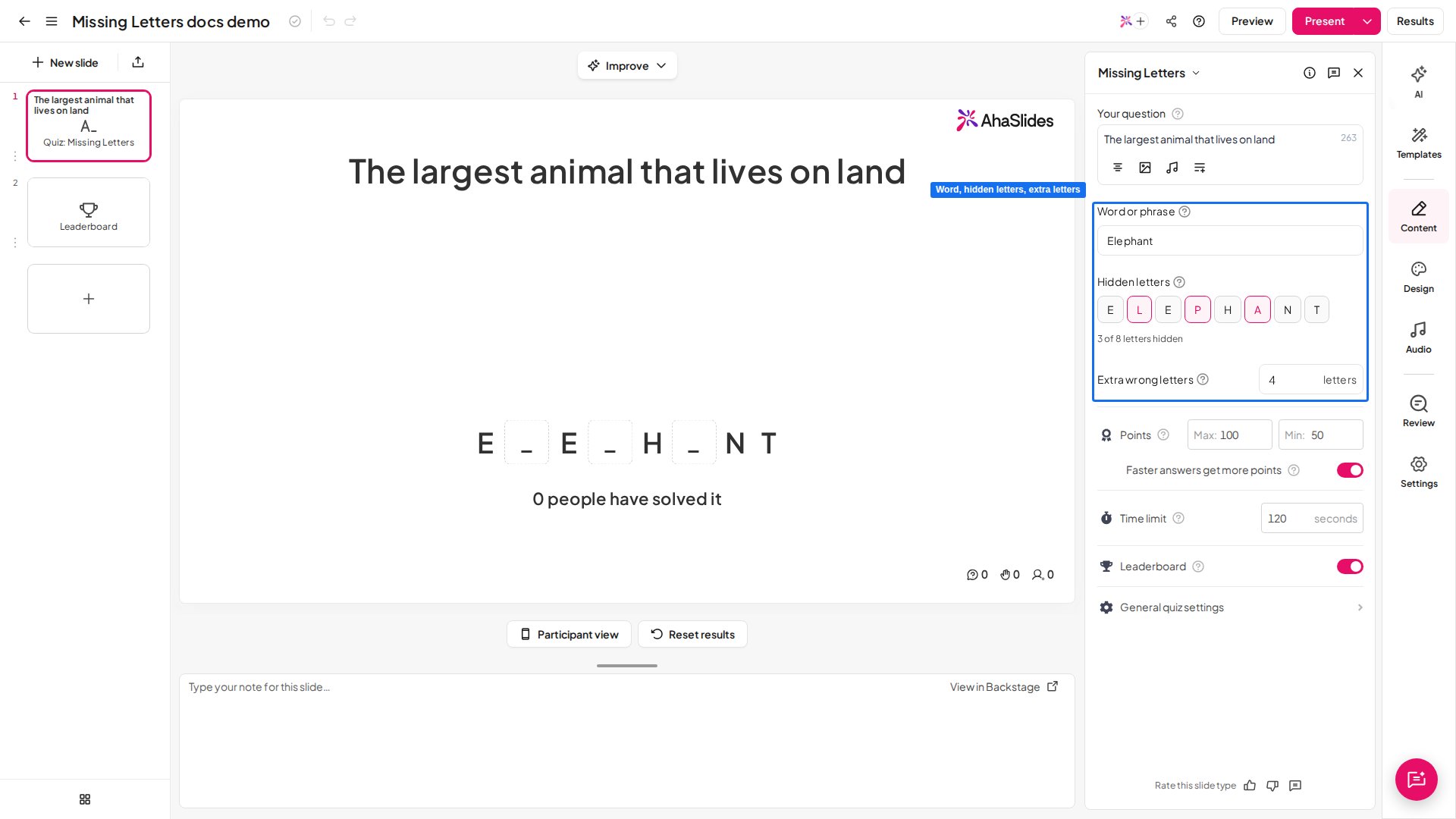
Type a clue into Your question in the right panel, for example “The largest animal that lives on land”. You can also add a picture or a sound as the clue.
3
Type the answer
Enter the answer under Word or phrase, for example “Elephant”. Capital letters and accents don’t affect marking.
4
Choose the hidden letters
Under Hidden letters, select a letter to hide it or show it again. Some letters are hidden for you to start with, and at least one must stay hidden. Spaces, numbers and punctuation always stay on show.
5
Set the extra wrong letters
Extra wrong letters adds letters that are not in the answer to the tiles players choose from, which makes the puzzle harder. Set 0 for an easy round.
Present a Missing Letters slide
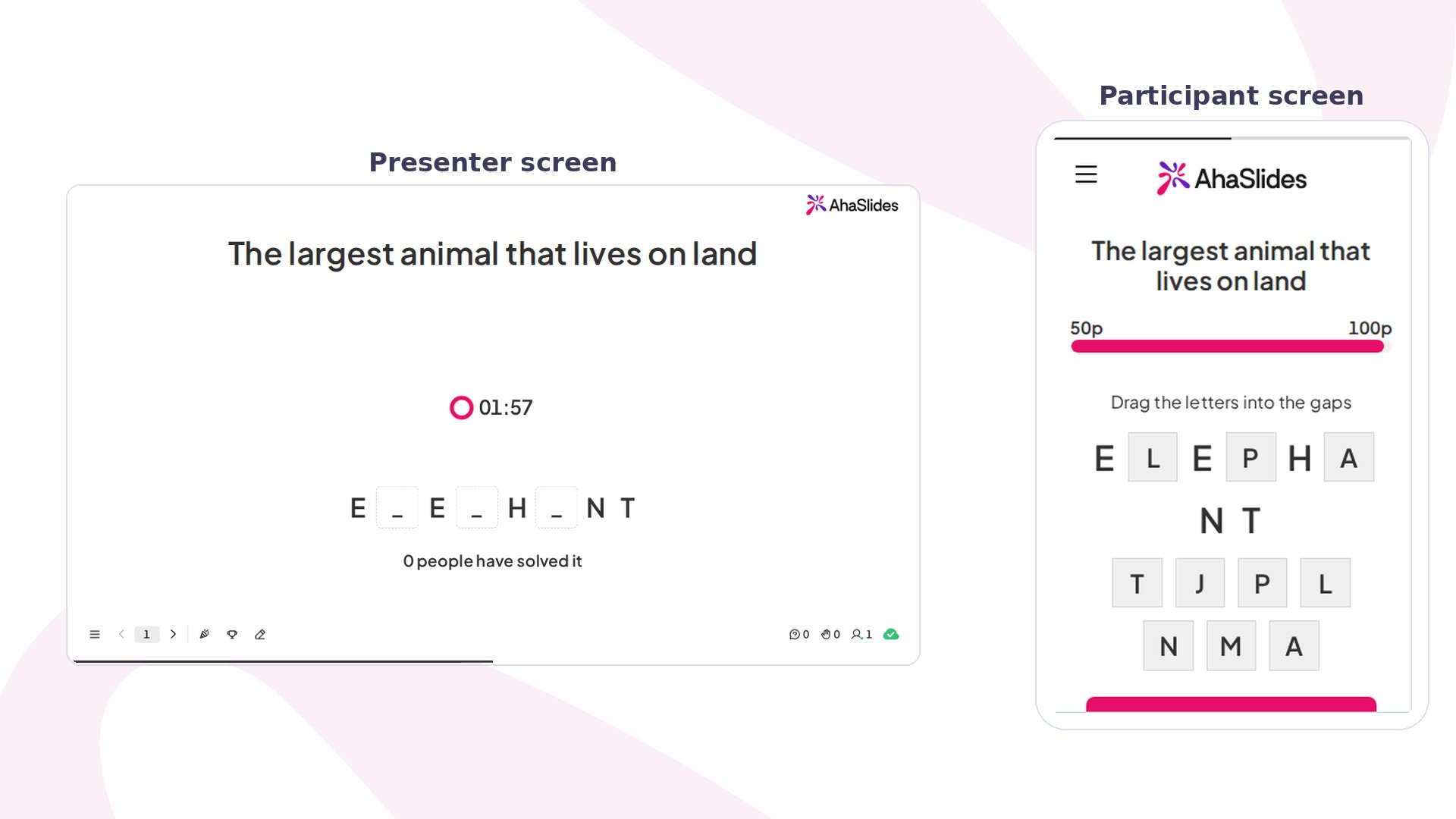
Click Preview to try it as a player first, then Present. Participants join with the access code on screen, and you click Start to open the question. On each phone, players see the clue, the word with its gaps, and a tray of letter tiles. They drag or tap a tile into each gap, tap a filled gap to take a letter out again, then tap Submit. Each player submits once. The answer only scores if every gap is right, and the phone then shows how many letters they placed correctly. On your screen, the word with its gaps stays up while the timer runs, with a live count of how many people have solved it. When the question closes, the full word is revealed and the scores go to the leaderboard.Missing Letters settings
The leaderboard and the other scoring controls work as on every quiz slide: see quiz settings.
Ideas for using Missing Letters
- Spelling check: hide the tricky letters in words such as “necessary” or “rhythm”.
- Vocabulary: give a definition as the clue, for example “A place where books are kept” for “Library”.
- Picture clue: add a photo of an apple, a bicycle or a clock and hide half the letters.
- Language class: give the clue in one language and the answer in the language being learnt.
- Warm-up: start a meeting or lesson with one quick word to get everyone on their phones.