

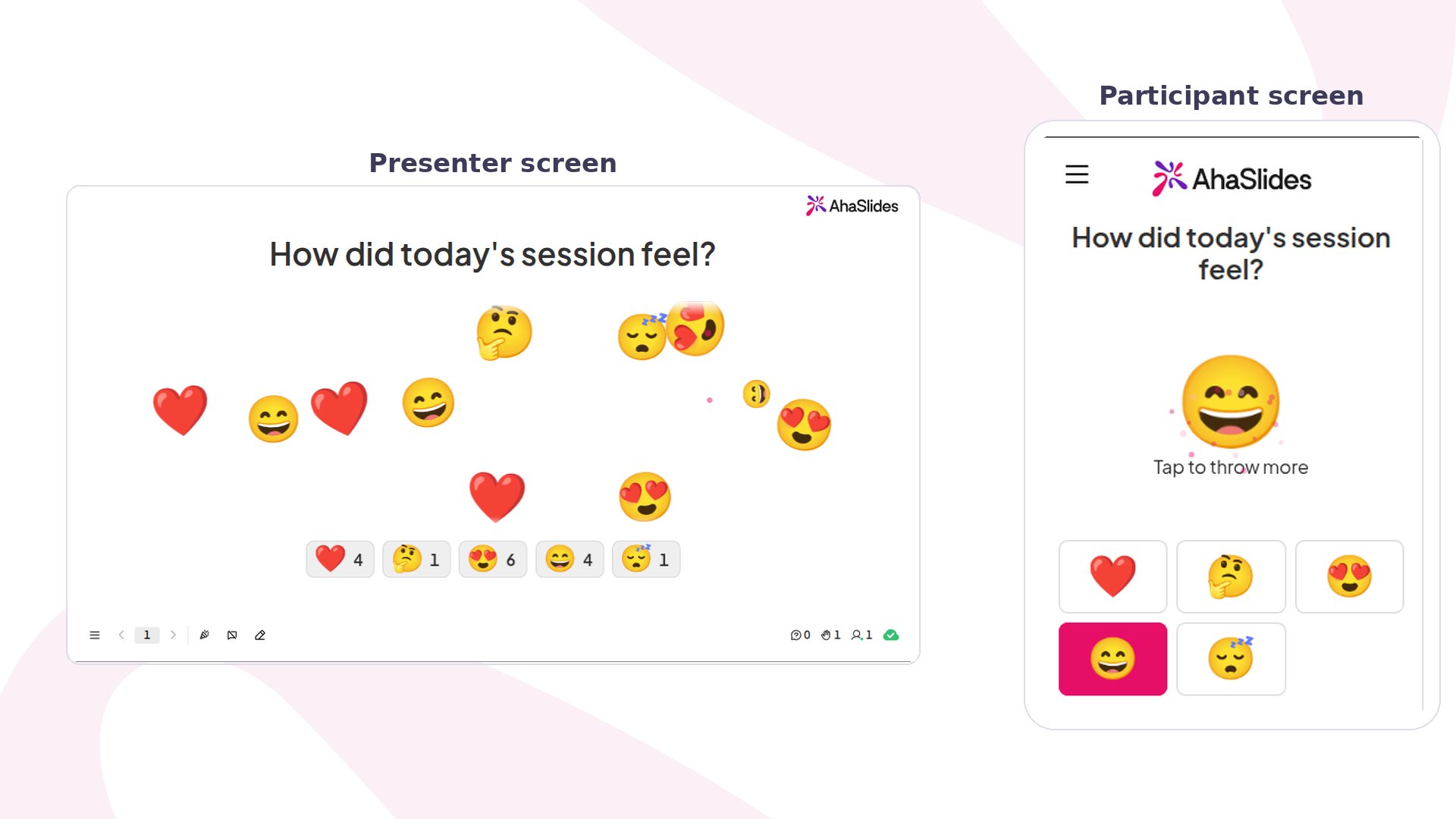
Emoji Poll at a glance
How to run Emoji Poll
1
Add the slide
In the editor, click New slide, then search for Emoji Poll or find it in the Poll group. See Add a slide with the slide type picker if you haven’t used the picker before.
2
Ask a question people can feel
Type it in Your question, for example “How did today’s session feel?” or “How’s your energy this morning?”. A question about a mood or a reaction works better than one with a right answer.
3
Pick your emojis
Under Emojis, choose from Reactions, Faces, Objects and symbols and Food and nature, or click Browse all emojis to search the full library. Each pick shows under Your emojis, and participants see them in that order. Click the cross on one to remove it. Pick emojis whose meaning is clear without words, such as a heart, a few faces or a star.
4
Decide how many answers each person gives
Open Other settings. With Allow submitting more than once on, people can keep tapping. Turn it off when you want one answer per person, so the counts read as a true vote.
5
Present it
Click Preview to try it, or Present and share the access code.
Present an Emoji Poll slide
Your screen shows the question and “Waiting for answers…” until the first tap. Each tap then sends that emoji flying across your screen, and a row of cards counts the taps for each emoji. On their phone, participants see “Tap an emoji to throw it” and your emojis as buttons. After a tap, the emoji they chose shows large on their screen. If they can answer more than once, they can keep tapping. If not, their answer is locked in. To stop new answers, turn on Close submission. Phones then show “Submission closed”, and no new taps are counted.Emoji Poll settings
If you remove an emoji after people have voted, its taps stop showing in the results.
Ideas for using Emoji Poll
- Classes: start the lesson with “How ready do you feel for today’s topic?” using a sleepy face, a thinking face and a grinning face.
- Workshops: close each part with “How did that session feel?” to see which parts landed.
- Team meetings: warm up with “How’s your week going?” and a few faces, then talk about what the room shows.
- Events: ask “How’s the energy in here?” with fire, a star and a heart, and leave answering more than once on so the screen fills up.